AKADAA, STEP BY STEP
Publish and Release Semester Results in Akadaa
Check each course's sheet, publish a course on its own, then release the whole semester so students and parents are told, and see the student's result sheet with GPA and CGPA.
Jump to a step
Captions and full-screen viewing are available in the player. Watch on YouTube
KEEP THIS BESIDE YOU
The steps, in writing.
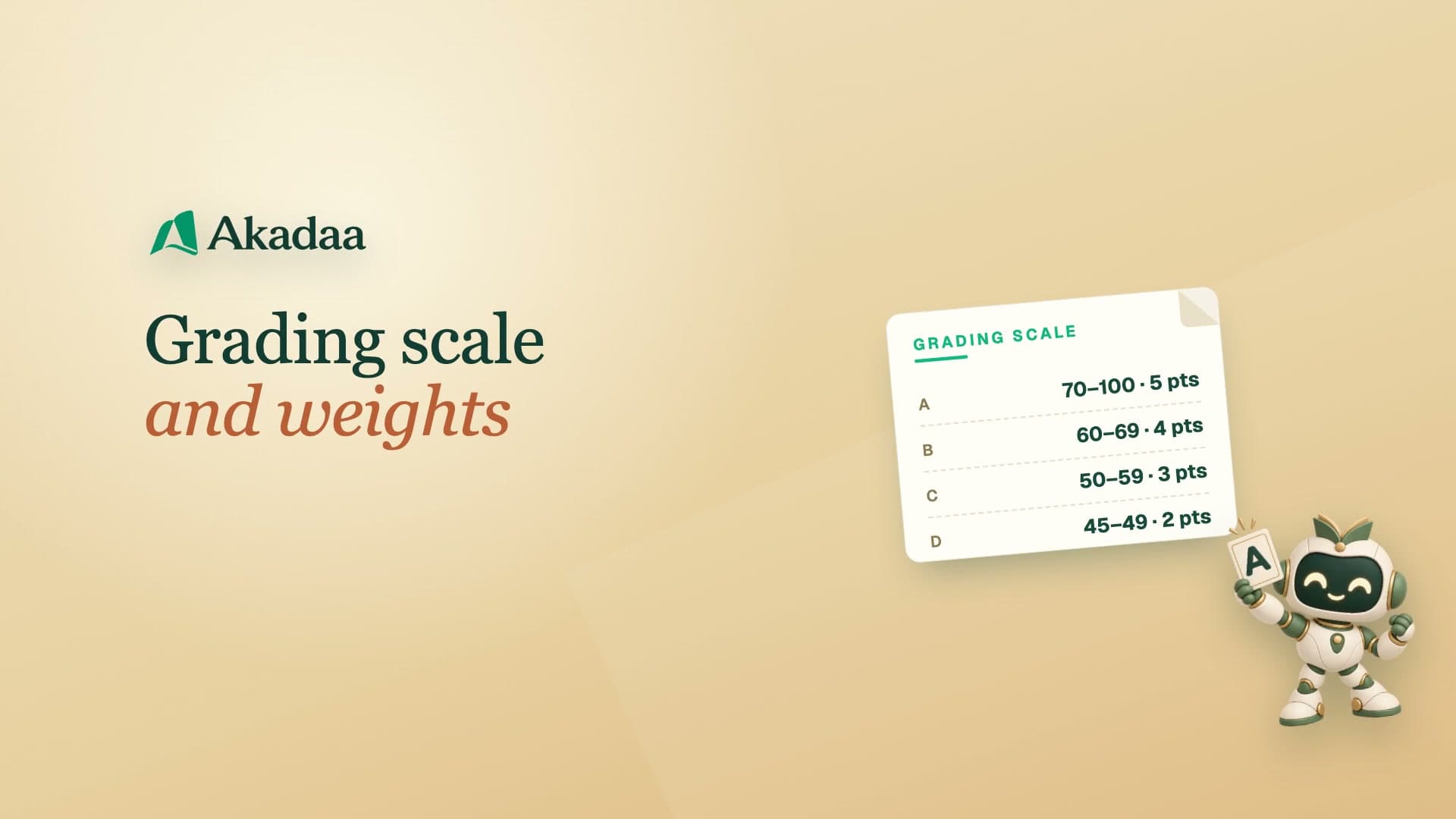
The exams officer reviews each course's sheet in Results Management, then publishes and releases the whole semester. Students are told under the bell and see each course's score and grade, their semester GPA and CGPA, and can print the result sheet.
Review each course sheet
Open Results Management and check the semester’s course scores, totals and grades.
Publish and release deliberately
Publish a course as needed, then use the semester release action when the complete set is ready. Review the confirmation before releasing.
Check the student view
Students receive the release notification and can read their result sheet with GPA and CGPA, and print it.