
A LITTLE GUIDANCE. ONE TASK AT A TIME.
See it.
Then do it.
A few minutes of guidance for your school day.
Find the task, follow the steps, and carry on.
 5:52
NEW TO AKADAA? START HERE
Make room for your school.
Sign up, meet your setup checklist, and get the basics ready.
Watch the first lessonFind your next step.
63 tutorials
5:52Getting started with Akadaa
Sign Up Your School and Start Setup in Akadaa
Sign up your school on Akadaa, choose your school type, create your administrator login, and set up the basics in one go with the starter pack.
Watch tutorial 4:23
Getting started with Akadaa
Set Up the Academic Year and Semesters in Akadaa
Add a new session in Akadaa, give it its semesters (or terms), fix dates, and make it the current session, so fees, results and timetables follow it.
Watch tutorial 4:53
Getting started with Akadaa
Set Up Faculties, Programmes and Courses in Akadaa
Set up your college in Akadaa from the top down: a faculty, a department, a programme, its courses, and the lecturer for each course.
Watch tutorial 4:09
Getting started with Akadaa
Add Students or Import a Class List in Akadaa
Add one student, import a whole class from the list you already have, or enrol accepted applicants, each with an admission number and their own login.
Watch tutorial 5:48
Getting started with Akadaa
Edit, Withdraw and Bulk Update Student Records in Akadaa
Fix a student's details, withdraw a leaver with a reason, update many students at once from a spreadsheet, and add late arrivals from a pasted list.
Watch tutorial 3:49
Getting started with Akadaa
Link Parents to Their Children in Akadaa
Add a parent and link their children, link a child who joins later, and import a list of parents by admission number, fixing a row Akadaa couldn't match.
Watch tutorial 3:16
Getting started with Akadaa
Give Every Parent a Login in Akadaa
Give one parent a login on the spot, create logins for everyone at once (a link by email, or printed slips for phone-only parents), reset a lost slip, and see both kinds of sign-in on a phone.
Watch tutorial 3:35
Getting started with Akadaa
Add Staff and Give Them Roles in Akadaa
Add a staff member in Akadaa, tick the roles their job needs, and see their first sign-in on a phone.
Watch tutorial 4:28
Getting started with Akadaa
Staff Roles and Access in Depth in Akadaa
What a staff member's role, designation and ticks really do, a teacher who is also the bursar, where you're signed in, and what to do when someone leaves.
Watch tutorial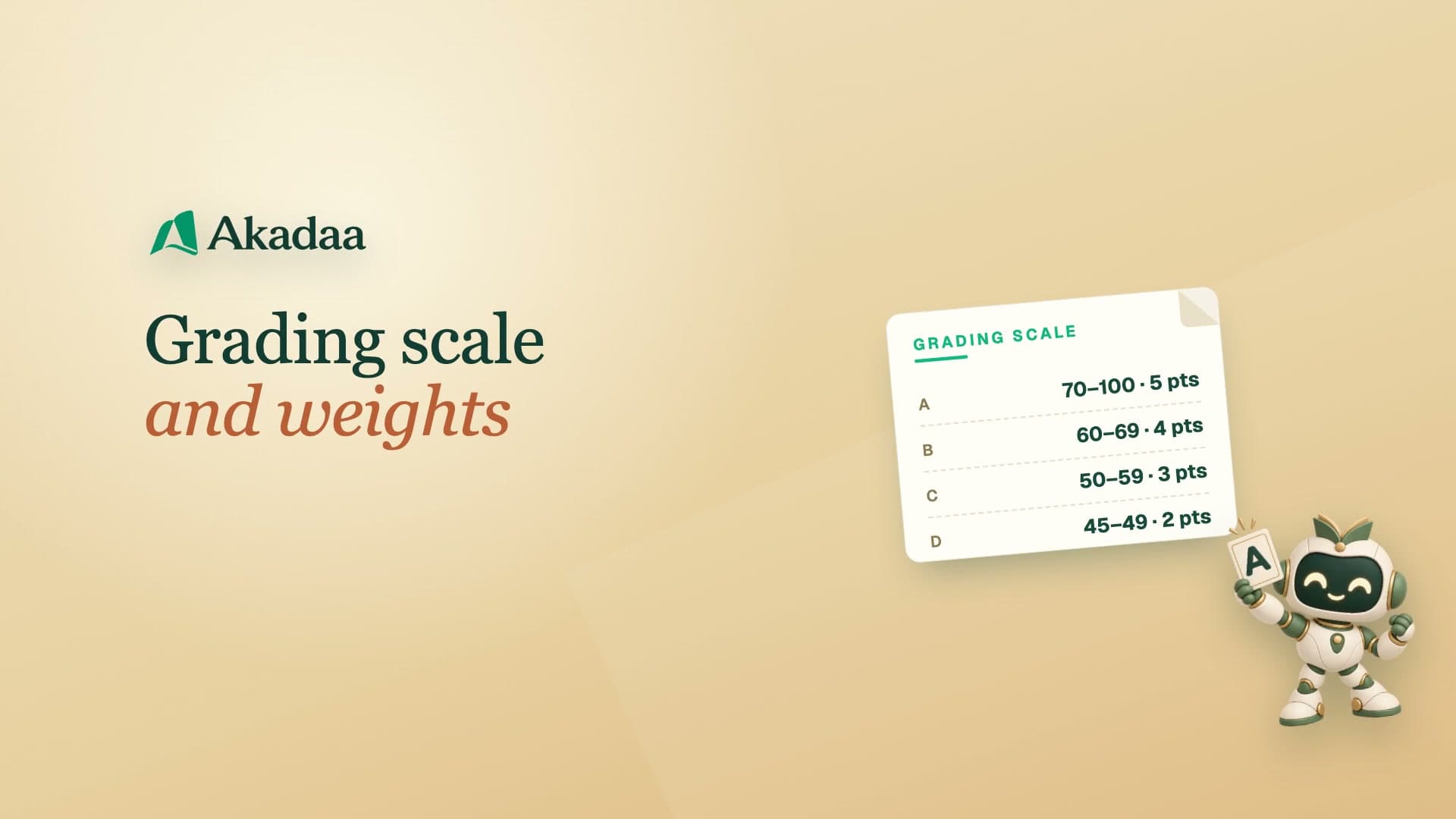 3:23
Getting started with Akadaa
Set Your Grading Scale and Weights in Akadaa
Check your grading scale and pass mark in Akadaa, then set how much each assessment counts, so every course adds up to a hundred.
Watch tutorial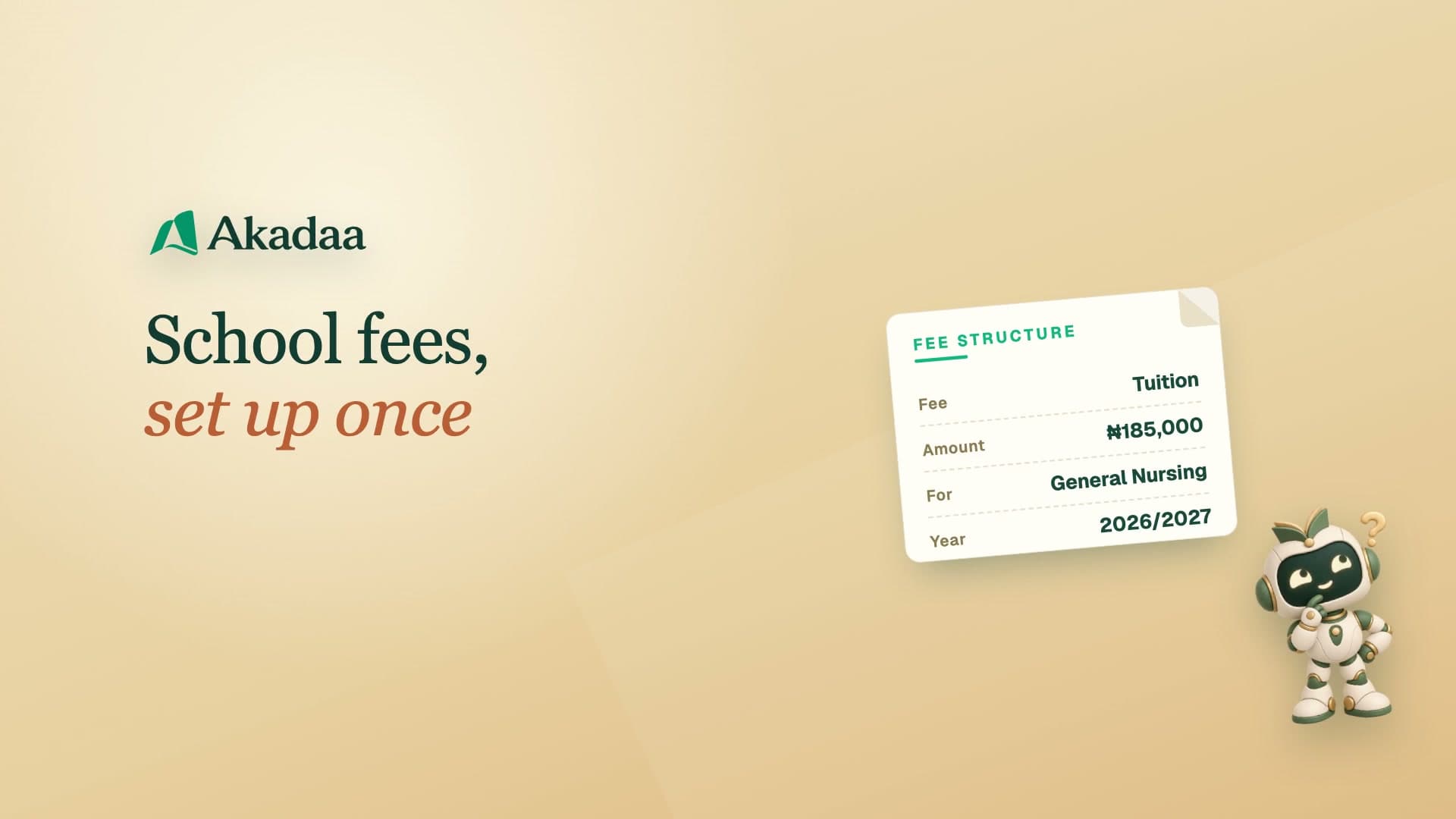 3:47
Getting started with Akadaa
Set Up School Fees and Assign Them in Akadaa
Create a fee in Akadaa, assign it to your students with a due date, check the school bank account parents pay into, and see the new fee on a parent's phone.
Watch tutorial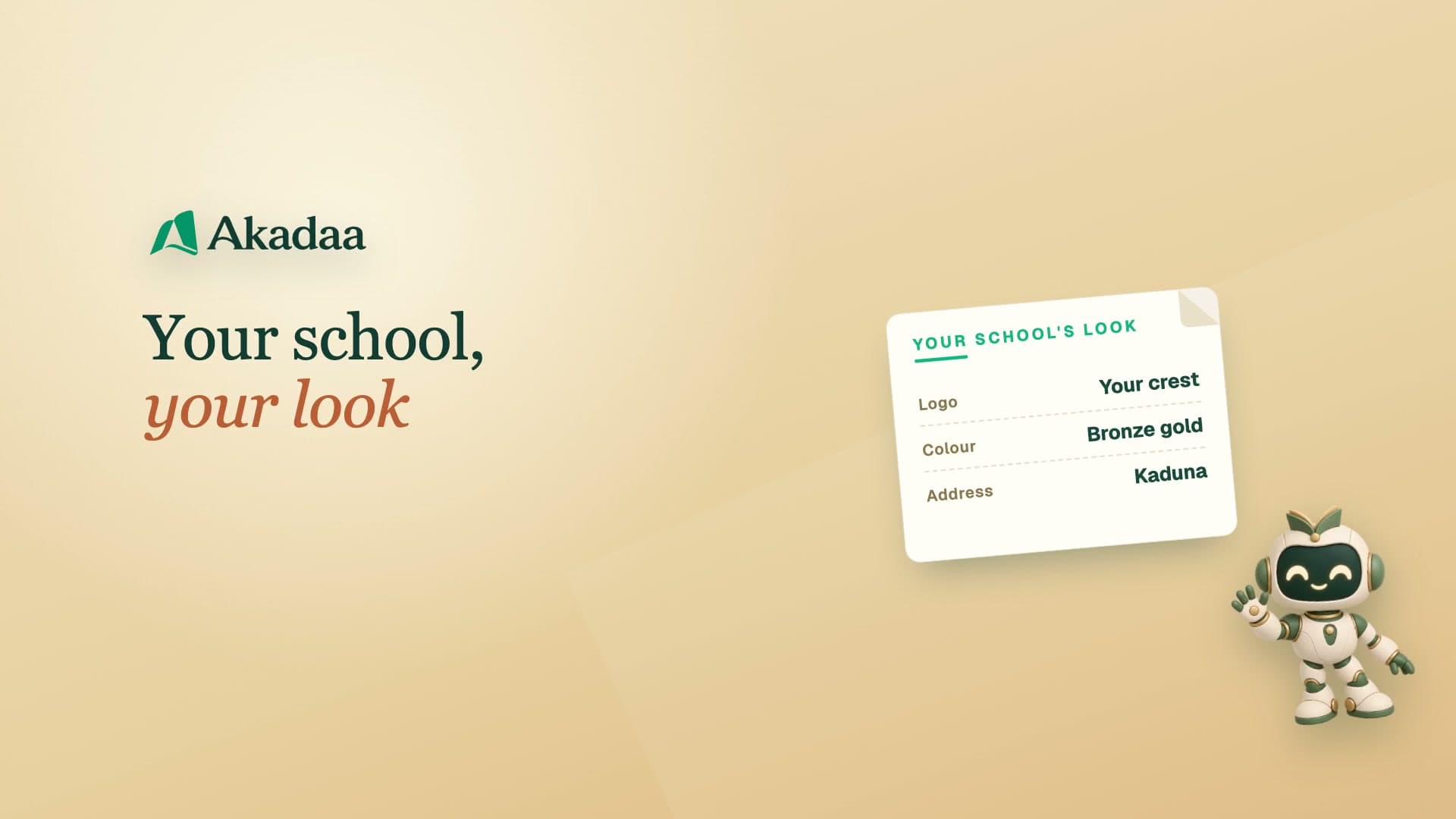 3:34
Getting started with Akadaa
Add Your School Logo, Colour and Modules in Akadaa
Upload your crest, set your school colour, check the details that print on receipts, share your school's QR code and web address, and switch on the modules you use.
Watch tutorial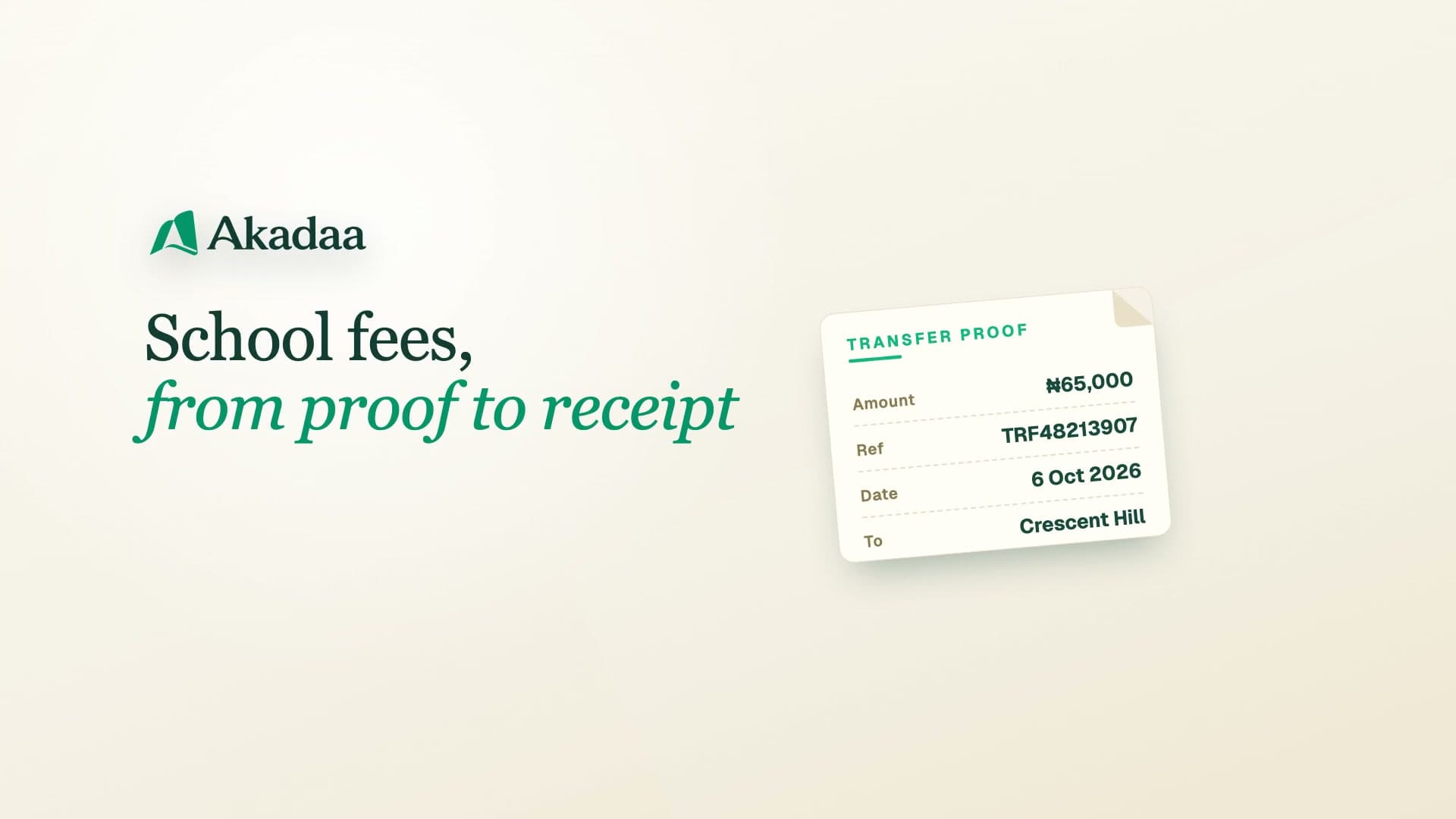 3:37
Fees in Akadaa
Pay School Fees by Bank Transfer in Akadaa
A parent pays school fees by bank transfer and sends the proof in Akadaa, the bursar checks and approves it, and the balance and receipt update.
Watch tutorial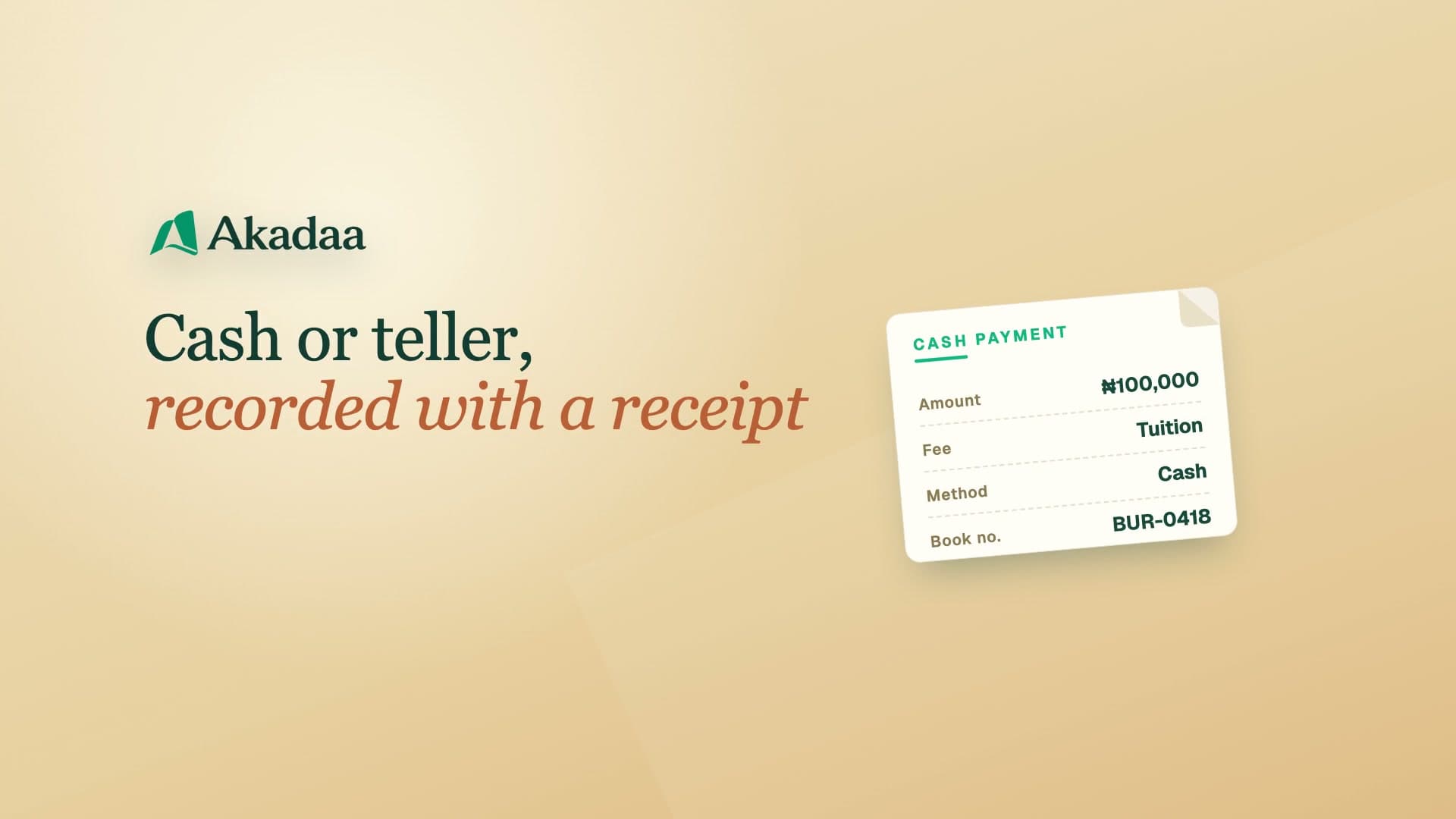 2:30
Fees in Akadaa
Record a Cash Payment and Print a Receipt in Akadaa
Record a cash or bank teller payment on a student's fee in Akadaa, and print or download the receipt.
Watch tutorial 3:23
Fees in Akadaa
Reverse a Payment and Give a Discount in Akadaa
Reverse a payment recorded on the wrong student, with a reason that stays on record, and give a student a discount with a scholarship.
Watch tutorial 3:01
Fees in Akadaa
See Who Owes Fees and Send Reminders in Akadaa
See what's due, collected and outstanding in Akadaa, list who still owes, export the fee report, and send fee reminders to students and parents.
Watch tutorial 2:22
For parents and students
Find Your School and Sign In to Akadaa
Find your school's Akadaa portal, sign in with your email, admission number or phone number, choose your own password the first time, and reset a forgotten one.
Watch tutorial 3:04
For parents and students
Use the Student Portal on Your Phone in Akadaa
A tour of the student portal on a phone: timetable and exams, the exam card, attendance, results and transcript, fees, and school news.
Watch tutorial 3:08
For parents and students
How Parents Follow Their Children in Akadaa
Parents follow each child's attendance, results, fees and timetable in Akadaa, message a teacher, and read the reply.
Watch tutorial 3:01
For parents and students
Follow Your Child's School on Telegram with Akadaa
Parents link the school's Akadaa bot on Telegram with the phone number on file, then check fees, pay by transfer with proof, and see attendance and results.
Watch tutorial 2:31
Attendance, timetables and teaching
Mark Attendance, Even Offline, in Akadaa
Mark the daily register in Akadaa on a phone, keep marking when the network drops, and see the record on the student's and parent's phones.
Watch tutorial 2:23
Attendance, timetables and teaching
Register for Courses and Approve Them in Akadaa
Students register their semester courses in Akadaa within the credit limits, and the registrar approves them.
Watch tutorial 2:36
Attendance, timetables and teaching
Build the Weekly Lecture Timetable in Akadaa
Add lectures to the weekly timetable in Akadaa; clashes are refused, and lecturers and students see their own week.
Watch tutorial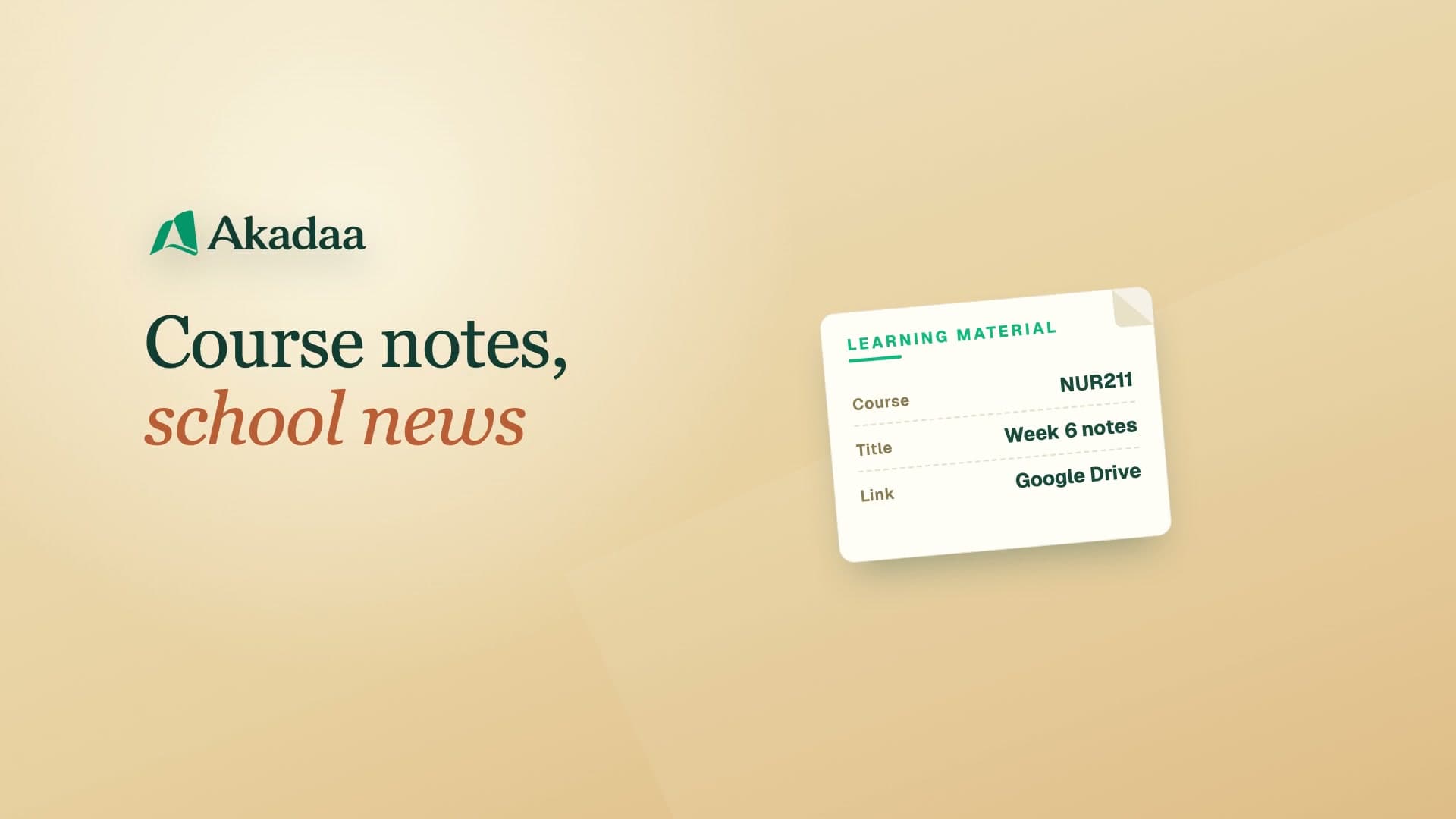 2:54
Attendance, timetables and teaching
Share Learning Materials and Announcements in Akadaa
Lecturers share course notes in Akadaa, and the school admin posts announcements that reach students and parents.
Watch tutorial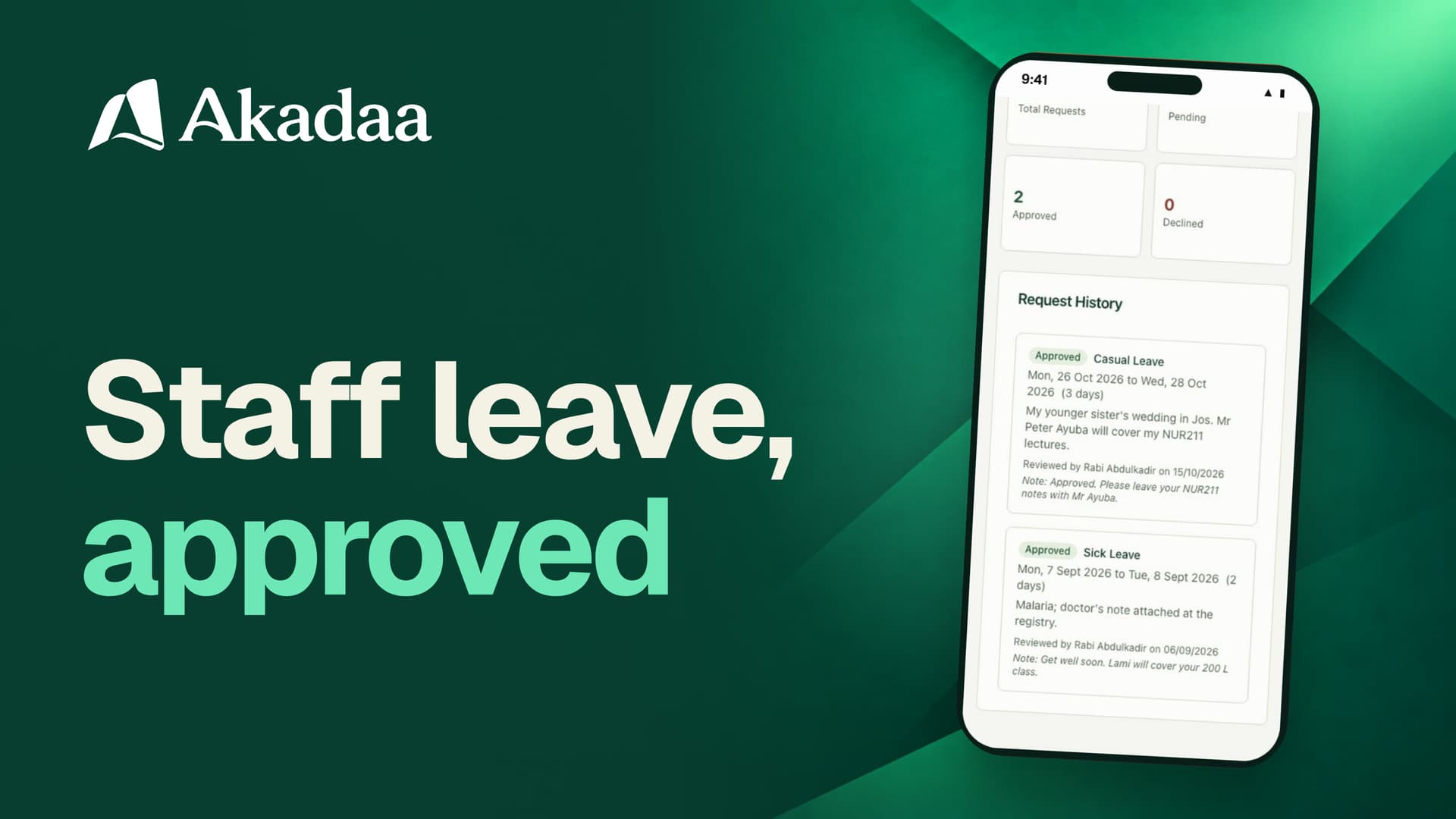 2:19
Attendance, timetables and teaching
Request and Approve Staff Leave in Akadaa
Ask for leave from your phone, approve it with a note, and see the answer in the app.
Watch tutorial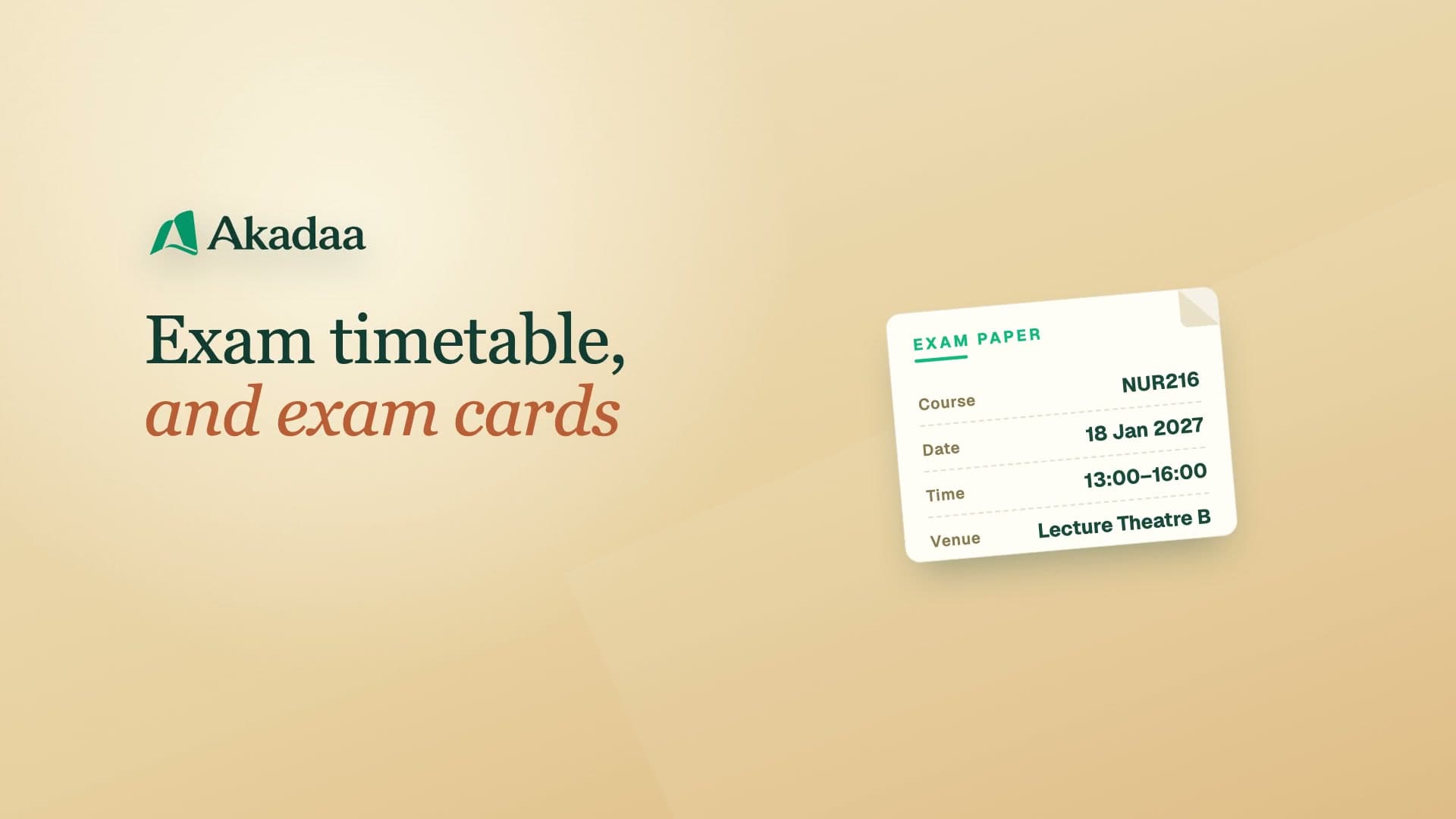 3:17
Exams and results
Set Up the Exam Timetable and Exam Cards in Akadaa
See which courses still have no exam paper, add papers to the timetable (clashes are refused), let each student see only their own papers, and download or print exam cards that check fees.
Watch tutorial 3:09
Exams and results
Enter Course Scores in Akadaa
Enter a course's exam or CA scores on its Grades tab, fix a score Akadaa refuses, and see the totals and grades on the course sheet, while the exams officer is told your scores are in.
Watch tutorial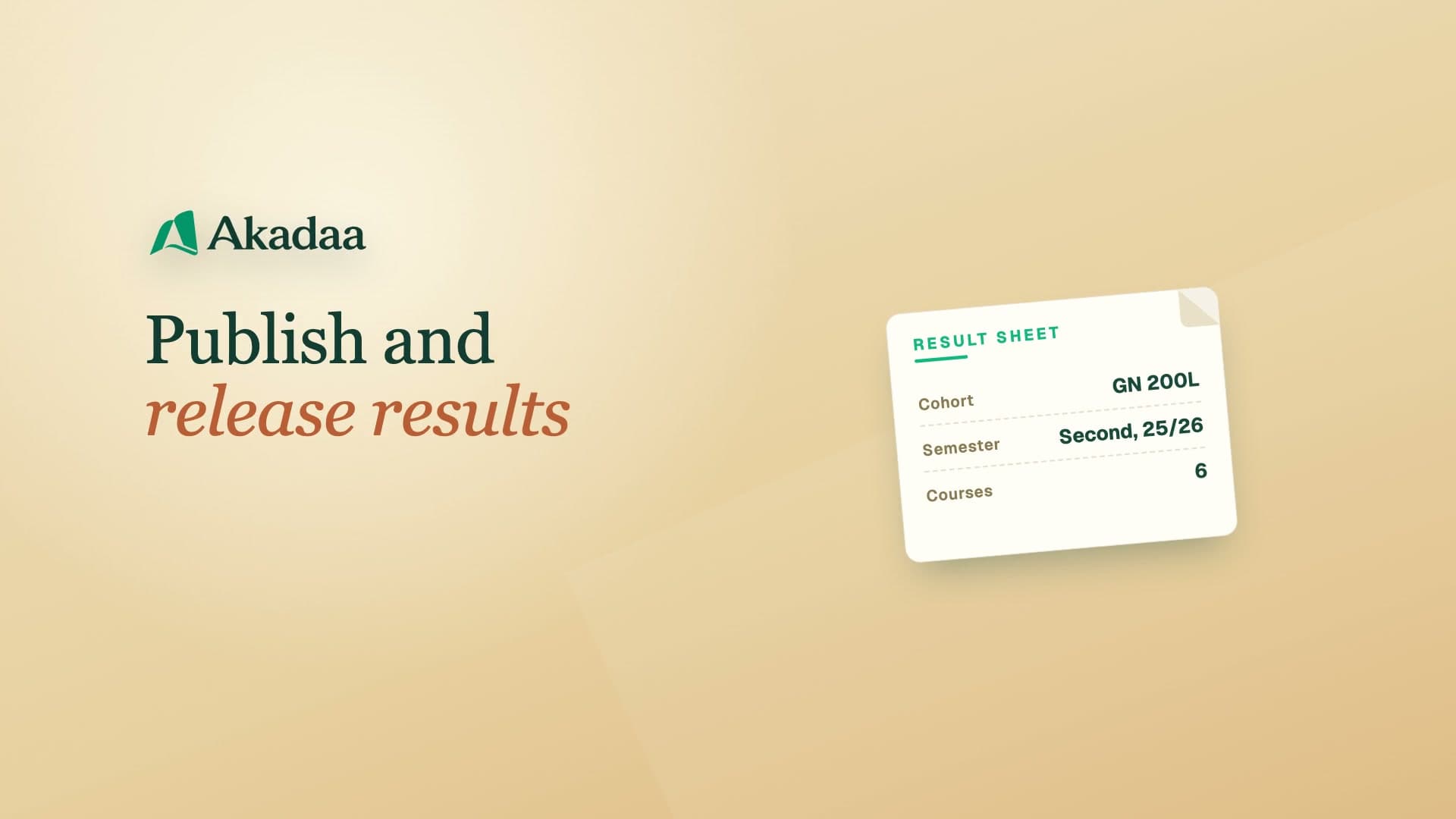 2:39
Exams and results
Publish and Release Semester Results in Akadaa
Check each course's sheet, publish a course on its own, then release the whole semester so students and parents are told, and see the student's result sheet with GPA and CGPA.
Watch tutorial 2:36
Exams and results
Download a Student Transcript with CGPA in Akadaa
Find a student's official transcript with every semester's GPA, the CGPA and the class, download or print it, and see the student's own copy on their phone.
Watch tutorial 2:32
Exams and results
Promote Students and Graduate a Set in Akadaa
Move a whole level up at the end of the session, graduate your final-year students, and undo a decision from History if you need to.
Watch tutorial 2:54
Admissions
Open Admissions and Share the Form Link in Akadaa
Create an admission campaign in Akadaa, open it and share its link, and see the form applicants fill in.
Watch tutorial 2:58
Admissions
Review Applications and Verify Form Fees in Akadaa
Applicants apply on a phone with the form-fee proof; the registrar verifies the fee in Akadaa and accepts them.
Watch tutorial 4:27
Colleges of nursing and health
Run Clinical Postings and Logbooks in Akadaa
Add your hospitals, create a clinical rotation, post a whole level to it, and let students log procedures on their phones for a supervisor to verify.
Watch tutorial 3:43
Colleges of nursing and health
Record Council Index Numbers and Exams in Akadaa
Record each student's council index number when it comes back, let students see it on their phone, then schedule your council's qualifying exam and register your final-years, each billed the exam fee like any other fee.
Watch tutorial 3:56
Intelliyya CBT
Import Word or Excel Questions in Intelliyya CBT (with Akadaa)
How to Import Word or Excel Questions in Intelliyya CBT (with Akadaa).
Watch tutorial 4:23
Intelliyya CBT
Build and Publish an Exam in Intelliyya CBT (with Akadaa)
How to Build and Publish an Exam in Intelliyya CBT (with Akadaa).
Watch tutorial 4:20
Intelliyya CBT
Run Exam Day in Intelliyya CBT (with Akadaa)
How to Run Exam Day in Intelliyya CBT (with Akadaa).
Watch tutorial 3:52
Intelliyya CBT
Release Intelliyya CBT Results and Send Them to Akadaa
How to Release Intelliyya CBT Results and Send Them to Akadaa.
Watch tutorial 7:22
Running a primary or secondary school
Set Up Classes, Subjects and Subject Teachers in Akadaa
Set up a primary or secondary school's classes and arms, their subjects, and the teacher for each subject in Akadaa, so every teacher sees the right classes.
Watch tutorial 3:35
Running a primary or secondary school
Set Up Score Templates (CA and Exam) in Akadaa
Set how every subject's marks are split, two tests and an exam, as your school's default score template in Akadaa.
Watch tutorial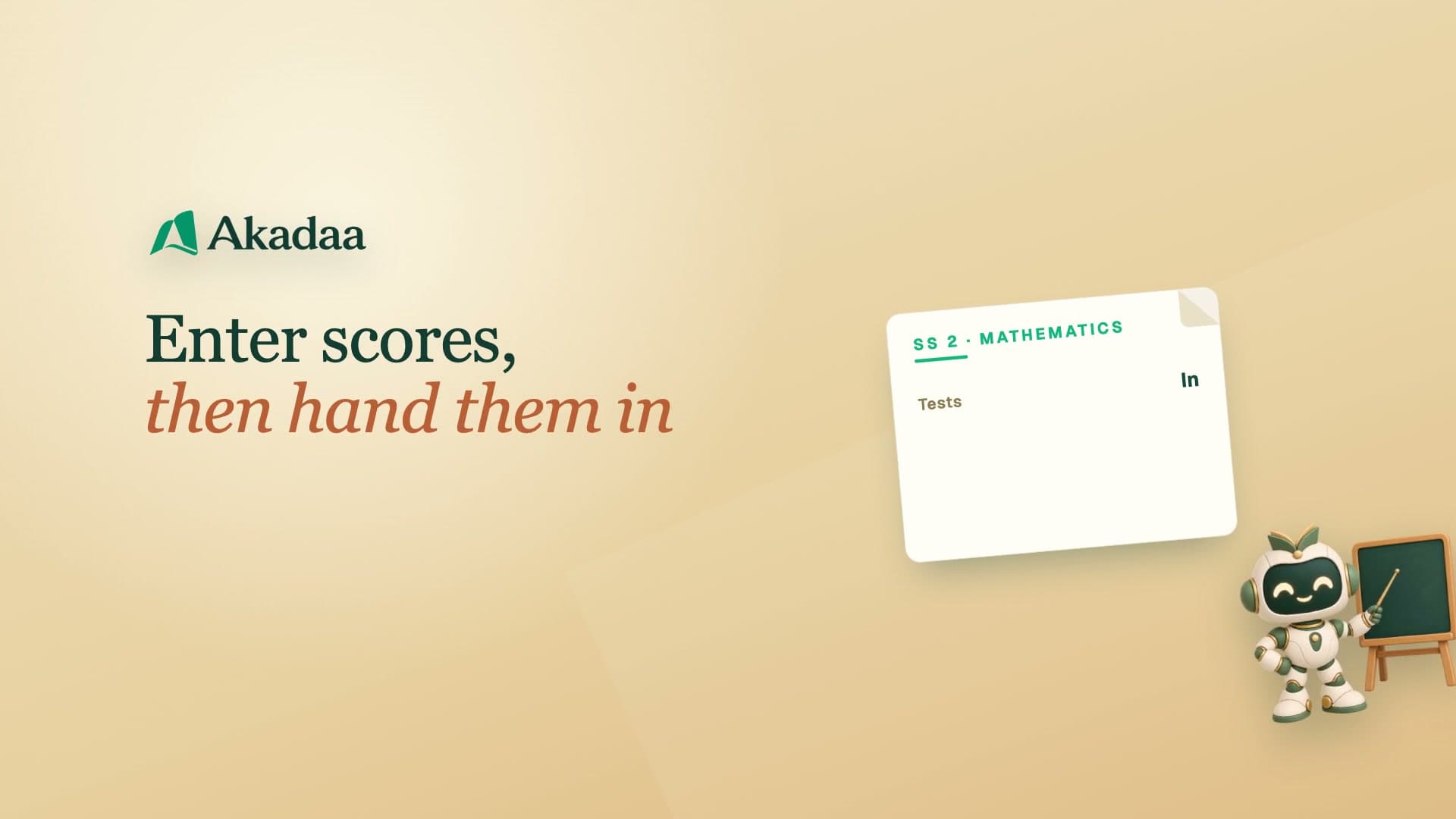 3:54
Running a primary or secondary school
How Teachers Enter CA and Exam Scores and Hand Them In (Akadaa)
On the teacher's phone: enter each student's CA and exam scores in Akadaa, save them, and hand the sheet in to the exams officer; fix and hand in again if it comes back.
Watch tutorial 4:32
Running a primary or secondary school
Approve, Publish and Release Term Results in Akadaa
Approve the scores teachers hand in, hold back one student's results, publish the class, and release the term so families can see their results in Akadaa.
Watch tutorial 4:48
Running a primary or secondary school
Print Report Cards with Position and Remarks in Akadaa
Generate a class's term report cards in Akadaa, with each student's class position, the class teacher's comment and the principal's remark, then print them all.
Watch tutorial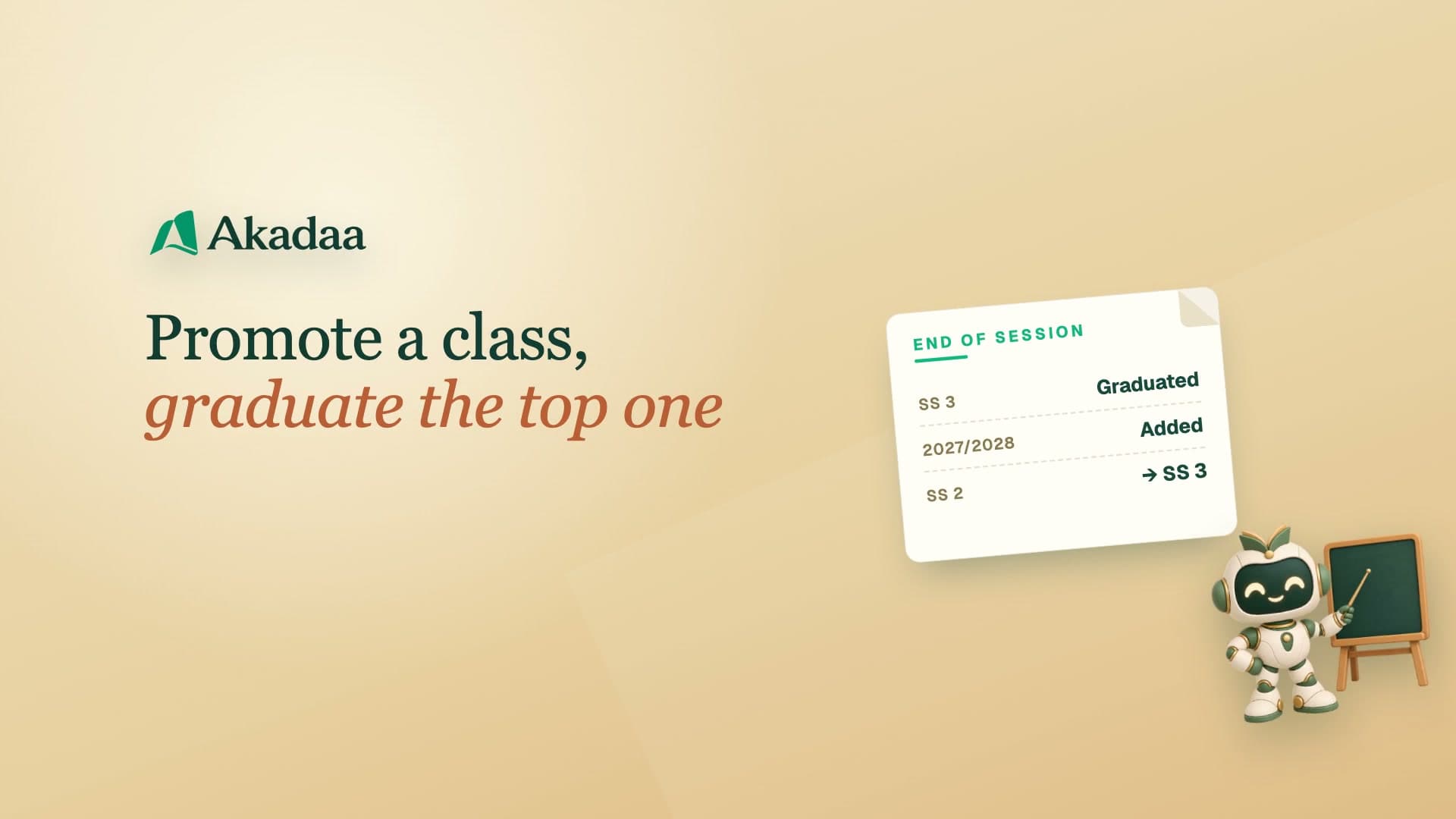 3:34
Running a primary or secondary school
Promote a Class and Graduate the Top Class in Akadaa
At the end of the session, graduate your top class, add the next session, and promote each class into the next one for the new session.
Watch tutorial 4:01
Hostel, transport and library
Run Hostels: Rooms, Beds and Hostel Fees in Akadaa
Add hostel rooms, give a student a bed with the hostel fee, and check a boarder out, in Akadaa.
Watch tutorial 3:44
Hostel, transport and library
Set Up School Bus Routes, Stops and Transport Fees in Akadaa
Add a school bus route with its stops and yearly fee, and put students on it, in Akadaa.
Watch tutorial 4:36
Running a school group (owners)
Run Several Schools in One Organisation in Akadaa
Add a school or campus, move between your schools, and give each campus its own admin, all in one Akadaa organisation.
Watch tutorial 3:00
Running a school group (owners)
Proprietor Overview: See Every School at a Glance in Akadaa
See your whole school group on one Overview, then each school's own fees, Insight Echo and Live Activity, a click apart.
Watch tutorial 3:58
Running a school group (owners)
Billing, Login As, Audit Log and Notification Rules in Akadaa
See your plan and usage, see exactly what a member of staff sees, check who did what across your schools, and choose how each automatic notice goes out.
Watch tutorial 3:50
Communication
Send Broadcasts and Noticeboard Posts in Akadaa
Send one message to a whole role in the bell and by email, message a few chosen people, edit or take down a noticeboard post, and set your quiet hours.
Watch tutorial 4:13
Fees in Akadaa
Manage Sponsors, Special Fees and Sponsor Payments in Akadaa
Add a sponsor and the students it pays for, give it a special price, and record its payment for all of them at once, with a receipt for the sponsor and each student.
Watch tutorial 2:22
Colleges of nursing and health
Set Course Registration Periods in Akadaa
Set when students can register for each semester's courses, with late registration after it, and see a new window listed with the date it opens.
Watch tutorial 3:06
Colleges of nursing and health
Set Up Clinical Competencies and Rotation Evaluations in Akadaa
Define each clinical skill and how many verified times it takes, follow every student's progress, and evaluate students at the end of a posting.
Watch tutorial 2:22
Colleges of nursing and health
Look Up a Student Result Sheet and Verify It by QR Code (Akadaa)
Find any student's result sheet, read every course, GPA and CGPA, and see how anyone can scan its QR code to check it matches what the college published.
Watch tutorial 3:26
Akadaa on Telegram
Bursar and Admin on Telegram: Approve Payments in Akadaa
Approve parents' payment proofs, send fee reminders and check your school's summaries from the school's Akadaa bot on Telegram.
Watch tutorial 3:26
Communication
Send, Read and Reply to Messages in Akadaa
Answer students and parents from your phone, start a new message, and see how the school office finds and answers what's waiting from the bell.
Watch tutorial 4:20
Tahfiz and Islamiyya
Set Up Tahfiz: Coordinator, Halaqat and Students in Akadaa
Switch Tahfiz on, name a Tahfiz Coordinator, open a halaqah with its Ustazah and enrol its students, in Akadaa.
Watch tutorial 3:18
Hostel, transport and library
Run the School Library: Books, Loans and Fines in Akadaa
Add books to the school library, lend them to students, and take back overdue books with their fines, in Akadaa.
Watch tutorial 3:26
Tahfiz and Islamiyya
Log Hifz, Murajaah and Ikhtibar in Akadaa
Record new memorisation, revision and a test on a whole juz, mark the juz complete, and plan revision, as a muhaffiz in Akadaa.
Watch tutorial 2:49
Tahfiz and Islamiyya
Tahfiz Reports, Feedback and Certificates for Parents in Akadaa
Share a student's Tahfiz report and feedback with the family, issue a Juz Amma certificate, and see what parents get, in Akadaa.
Watch tutorial 3:27
Fees in Akadaa
How Parents Send Fee Proof With No Login (Magic Links) in Akadaa
Send a guardian a secure link to pay one fee by bank transfer and upload the proof with no login, then confirm it as the bursar, in Akadaa.
Watch tutorial 3:33
Intelliyya CBT
Sit a CBT Exam in Intelliyya CBT (with Akadaa)
What a student does on CBT exam day in Intelliyya CBT, which works with Akadaa: the waiting room, the device check, the paper, submitting and the result.
Watch tutorial 3:40
Intelliyya CBT
WAEC, NECO and JAMB Practice for SS Students (with Akadaa)
How senior secondary students practise for WAEC, NECO and JAMB with Akadaa and Intelliyya CBT: study with explanations, quick practice and a full JAMB mock.
Watch tutorial