AKADAA, STEP BY STEP
How Parents Send Fee Proof With No Login (Magic Links) in Akadaa
Send a guardian a secure link to pay one fee by bank transfer and upload the proof with no login, then confirm it as the bursar, in Akadaa.
Jump to a step
Captions and full-screen viewing are available in the player. Watch on YouTube
KEEP THIS BESIDE YOU
The steps, in writing.
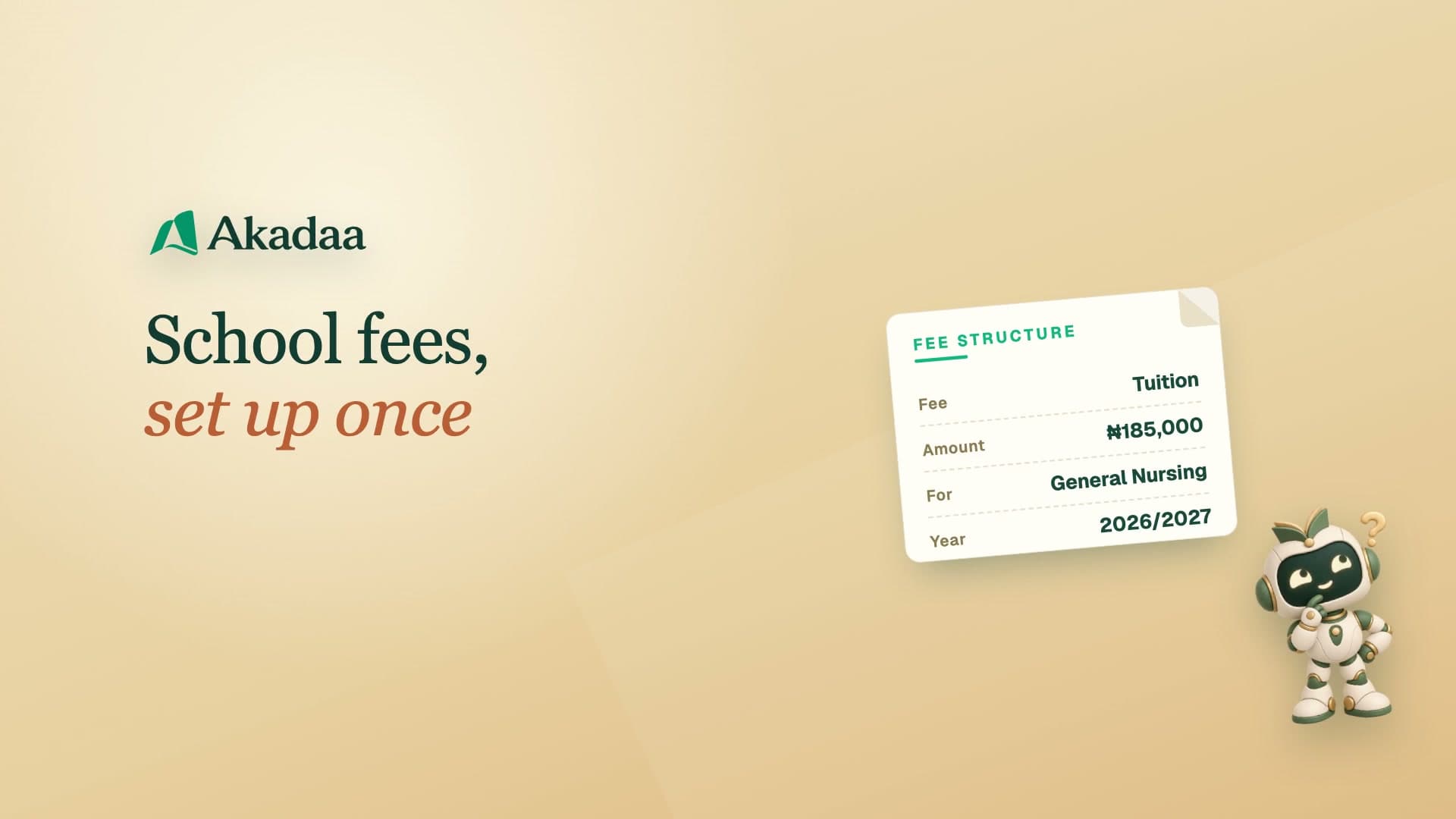
Payment links remain available for partial payments until the fee is fully paid or the link expires. For a guardian who doesn't use Akadaa. The school admin opens Communication, Outreach, Magic links, chooses the student, A payment, a title and note, how long it lasts and the one fee it pays, then copies the link (it's shown once; Send link emails it when the guardian has an email address). The guardian opens it on a phone with no sign-in, sees the school, the request, the most that can be paid and the school's bank account, pays by bank transfer and sends the reference and receipt. The bursar finds it in Pending Payments like any other proof, checks the receipt against the bank statement, and approves it.
Create a payment request
Open Communication, Outreach, Magic links. Select the student, A payment and the exact outstanding fee, then set the request details and expiry.
Share the link
Copy the link when it is shown, or use Send link when an email address is available.
Submit transfer proof
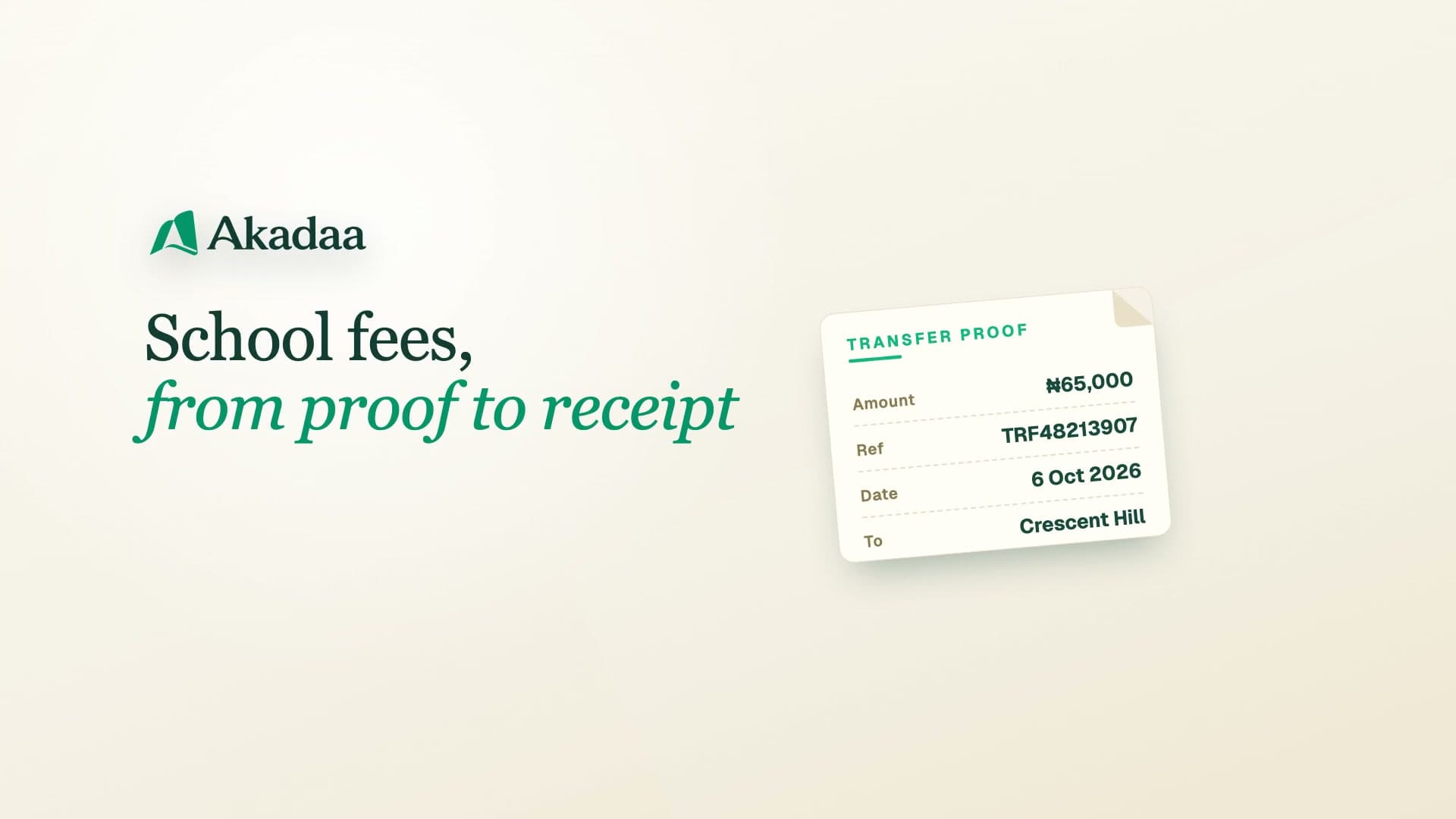
The guardian opens the link without signing in, checks the school’s bank details and requested fee, makes the transfer and submits proof.
Verify through the bursary
The bursar opens Pending Payments, checks the actual bank statement and approves the matching payment. The balance and receipt update after approval. A payment link remains available for partial payments until that fee is fully paid or the link expires.