
A LITTLE GUIDANCE. ONE TASK AT A TIME.
See it.
Then do it.
A few minutes of guidance for your school day.
Find the task, follow the steps, and carry on.
 5:52
NEW TO AKADAA? START HERE
Make room for your school.
Sign up, meet your setup checklist, and get the basics ready.
Watch the first lessonFind your next step.
8 tutorials
 3:47
Getting started with Akadaa
Set Up School Fees and Assign Them in Akadaa
Create a fee in Akadaa, assign it to your students with a due date, check the school bank account parents pay into, and see the new fee on a parent's phone.
Watch tutorial 3:37
Fees in Akadaa
Pay School Fees by Bank Transfer in Akadaa
A parent pays school fees by bank transfer and sends the proof in Akadaa, the bursar checks and approves it, and the balance and receipt update.
Watch tutorial 2:30
Fees in Akadaa
Record a Cash Payment and Print a Receipt in Akadaa
Record a cash or bank teller payment on a student's fee in Akadaa, and print or download the receipt.
Watch tutorial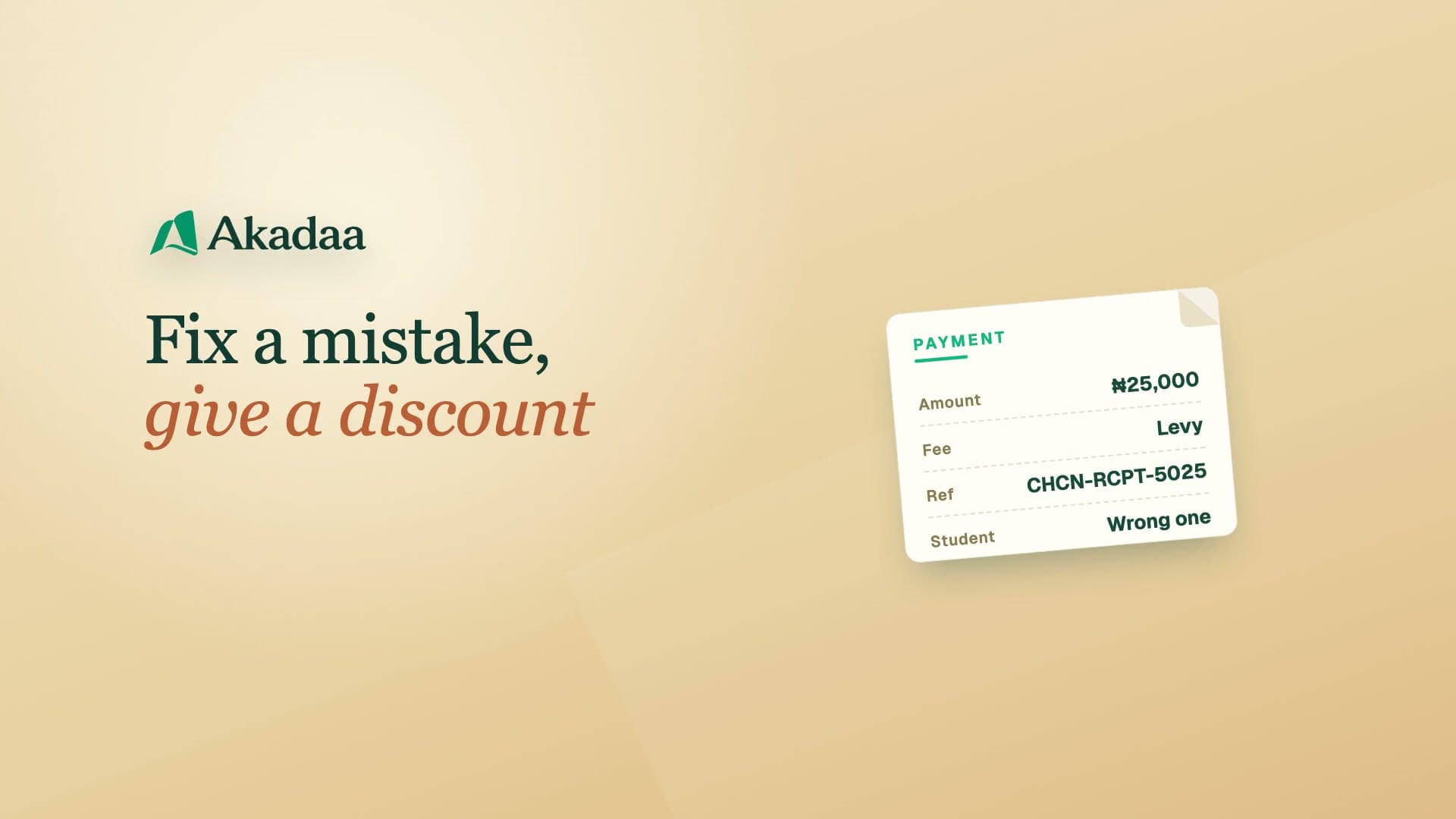 3:23
Fees in Akadaa
Reverse a Payment and Give a Discount in Akadaa
Reverse a payment recorded on the wrong student, with a reason that stays on record, and give a student a discount with a scholarship.
Watch tutorial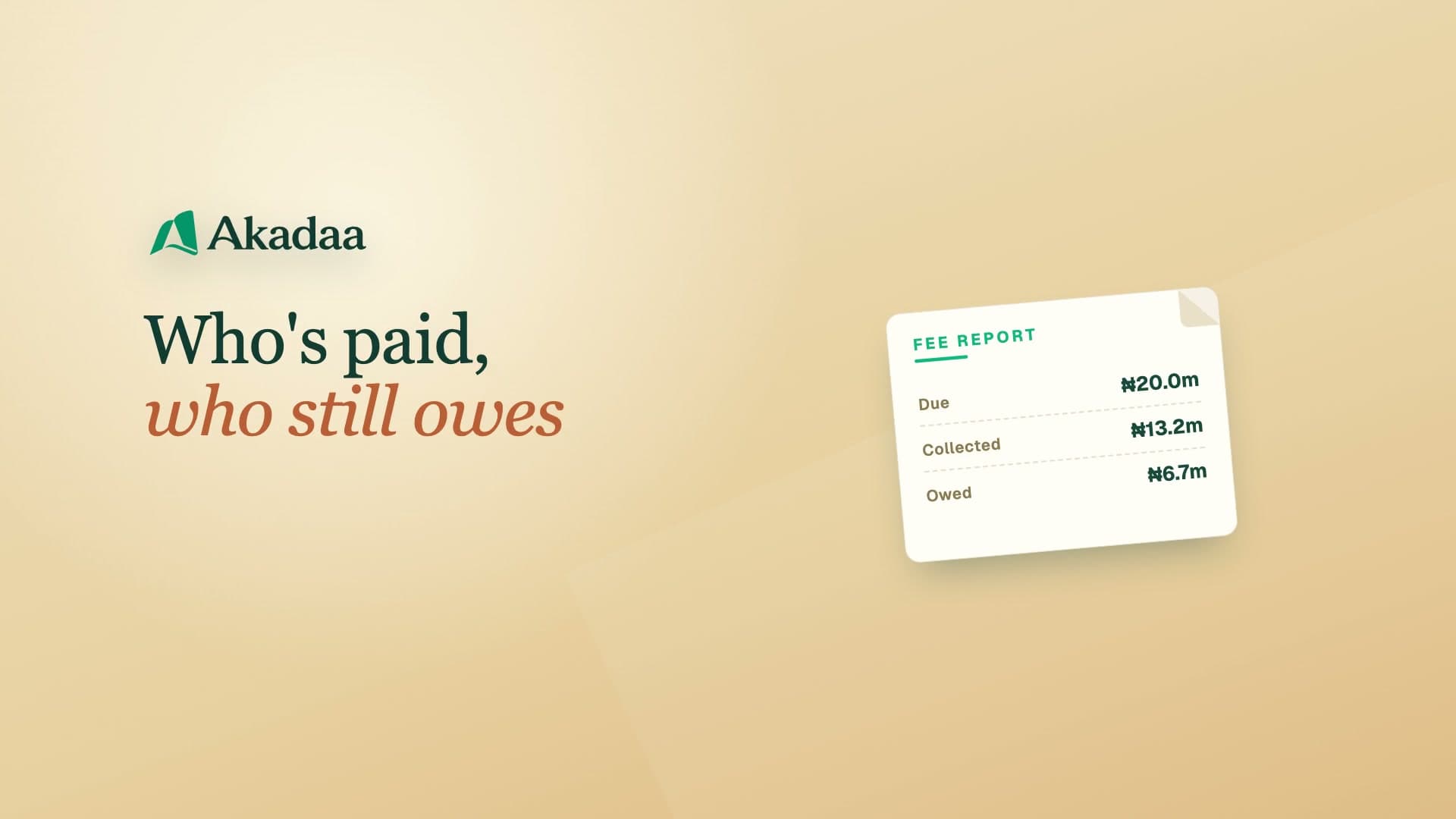 3:01
Fees in Akadaa
See Who Owes Fees and Send Reminders in Akadaa
See what's due, collected and outstanding in Akadaa, list who still owes, export the fee report, and send fee reminders to students and parents.
Watch tutorial 4:13
Fees in Akadaa
Manage Sponsors, Special Fees and Sponsor Payments in Akadaa
Add a sponsor and the students it pays for, give it a special price, and record its payment for all of them at once, with a receipt for the sponsor and each student.
Watch tutorial 3:26
Akadaa on Telegram
Bursar and Admin on Telegram: Approve Payments in Akadaa
Approve parents' payment proofs, send fee reminders and check your school's summaries from the school's Akadaa bot on Telegram.
Watch tutorial 3:27
Fees in Akadaa
How Parents Send Fee Proof With No Login (Magic Links) in Akadaa
Send a guardian a secure link to pay one fee by bank transfer and upload the proof with no login, then confirm it as the bursar, in Akadaa.
Watch tutorial