AKADAA, STEP BY STEP
Manage Sponsors, Special Fees and Sponsor Payments in Akadaa
Add a sponsor and the students it pays for, give it a special price, and record its payment for all of them at once, with a receipt for the sponsor and each student.
Jump to a step
Captions and full-screen viewing are available in the player. Watch on YouTube
KEEP THIS BESIDE YOU
The steps, in writing.
For bursars. Add a sponsor (a government board, an NGO, a company or a person), add the students it pays for (Full, or Partial with a percentage: coverage is the sponsor's share, not a discount), give it a special price with Special Fees, then record its payment: Akadaa splits it across the students' fees, oldest first, and makes one receipt for the sponsor and one for each student.
Add the sponsor
Open Sponsors and add the organisation and its contact details.
Link sponsored students
Choose the students and full, partial or specific-fee coverage. A coverage percentage determines the sponsor’s share; it does not discount the bill.
Set a special price if agreed
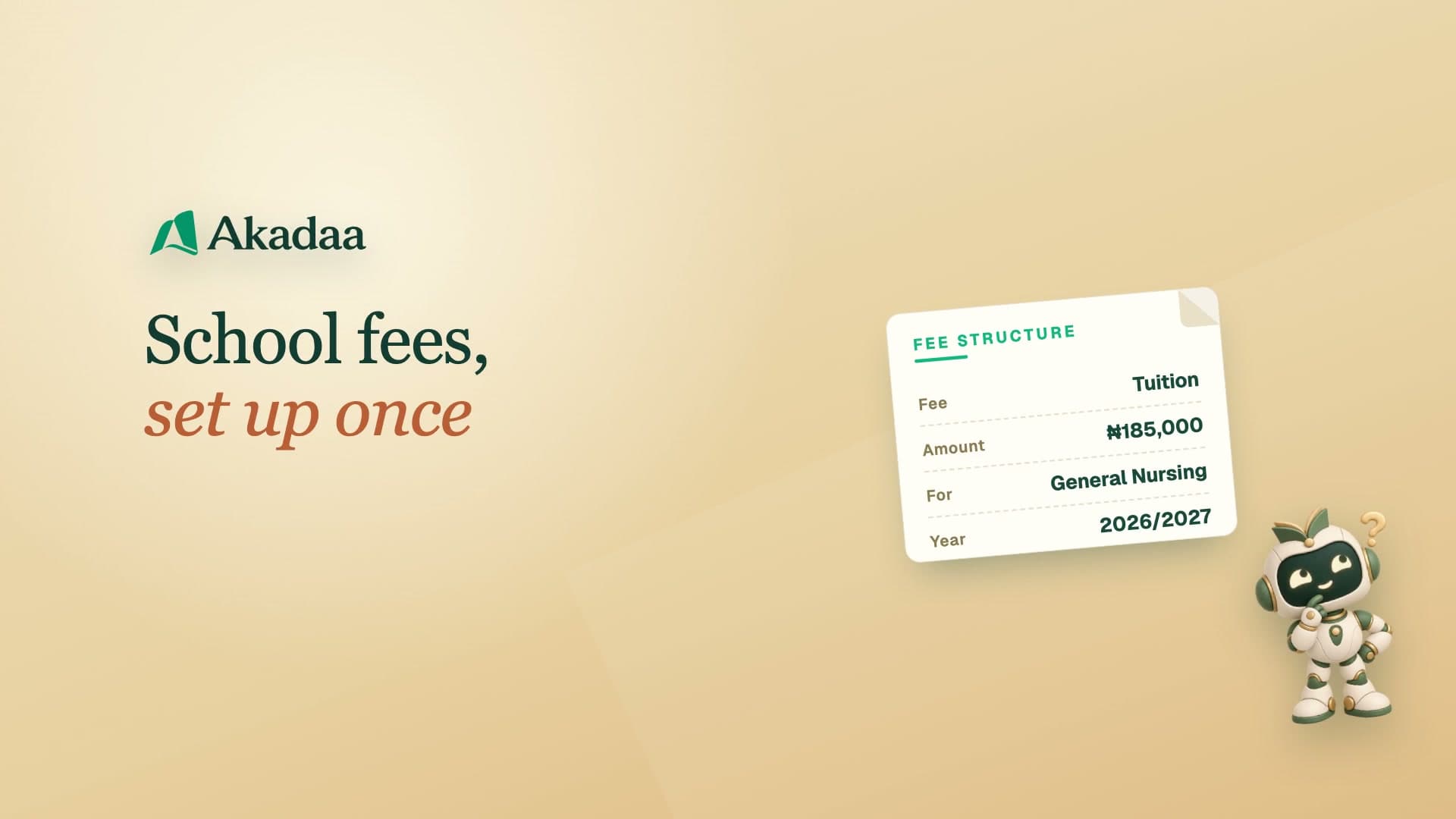
Add a special fee to reduce the relevant charge. Review the discounted amount and the sponsor’s resulting share.
Allocate and confirm payment
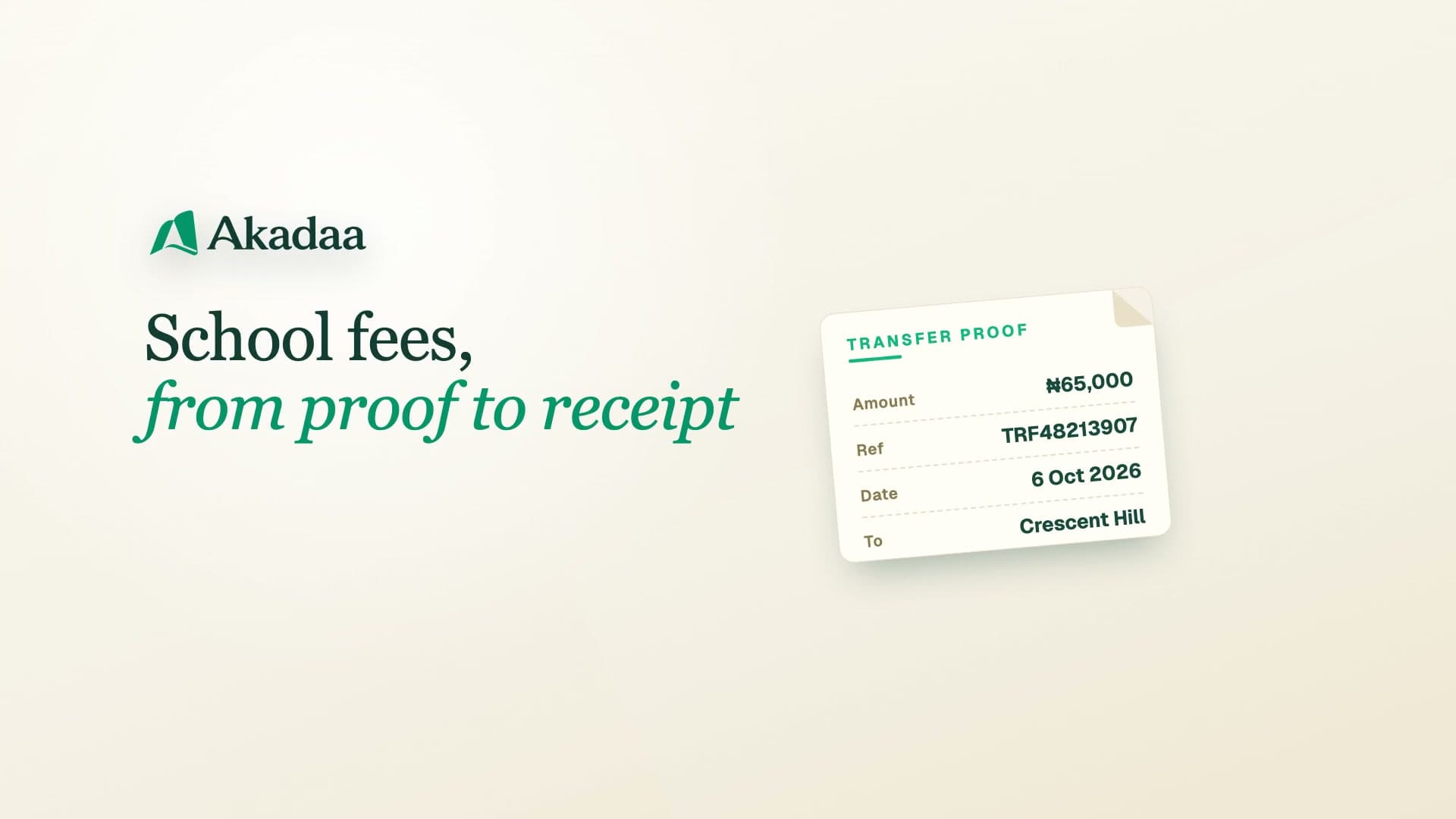
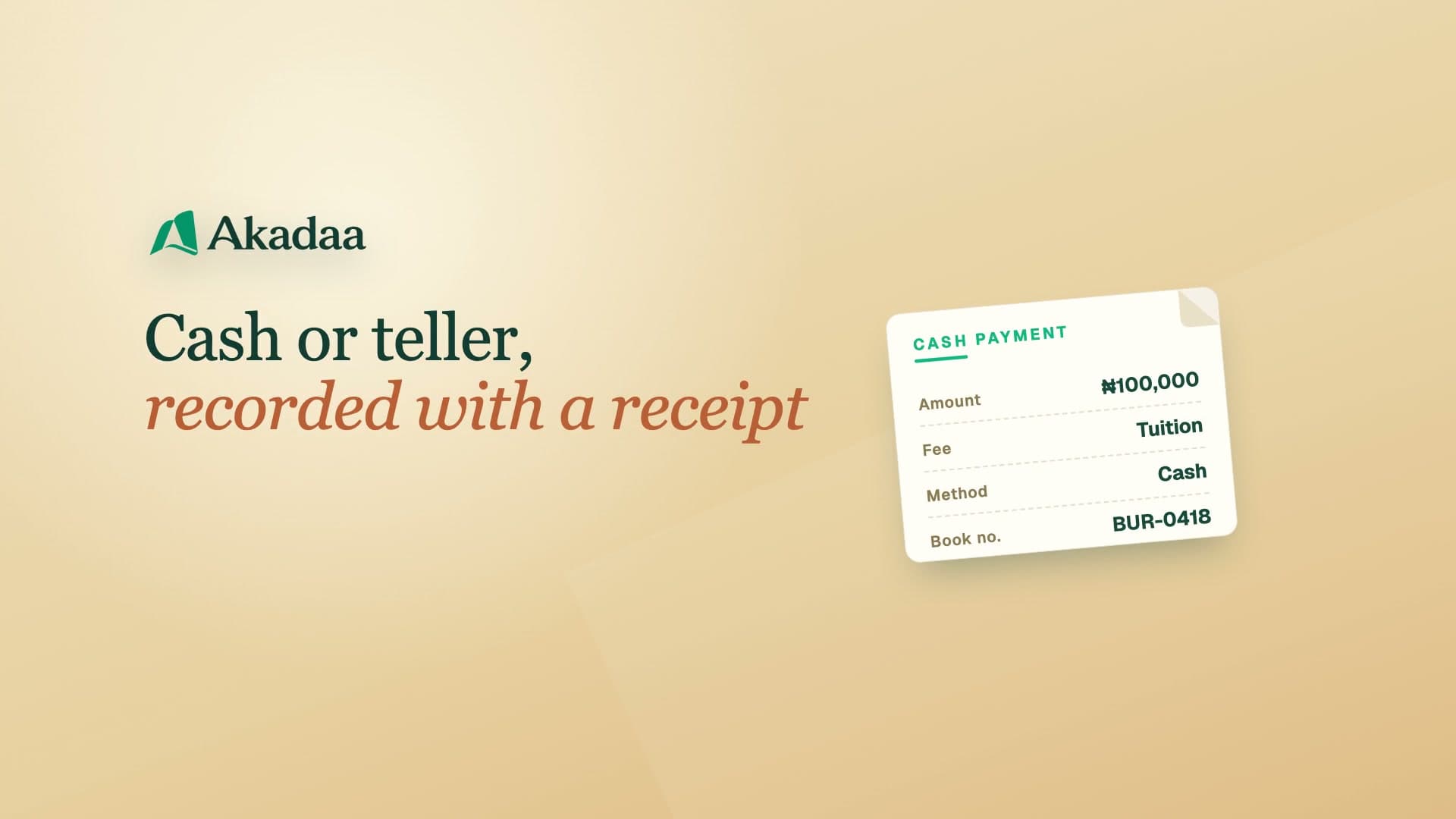
Record the sponsor payment and allocate its entire amount across students’ fees. Resolve any unallocated balance before continuing, then confirm and open the consolidated receipt and individual student receipts.