AKADAA, STEP BY STEP
Follow Your Child's School on Telegram with Akadaa
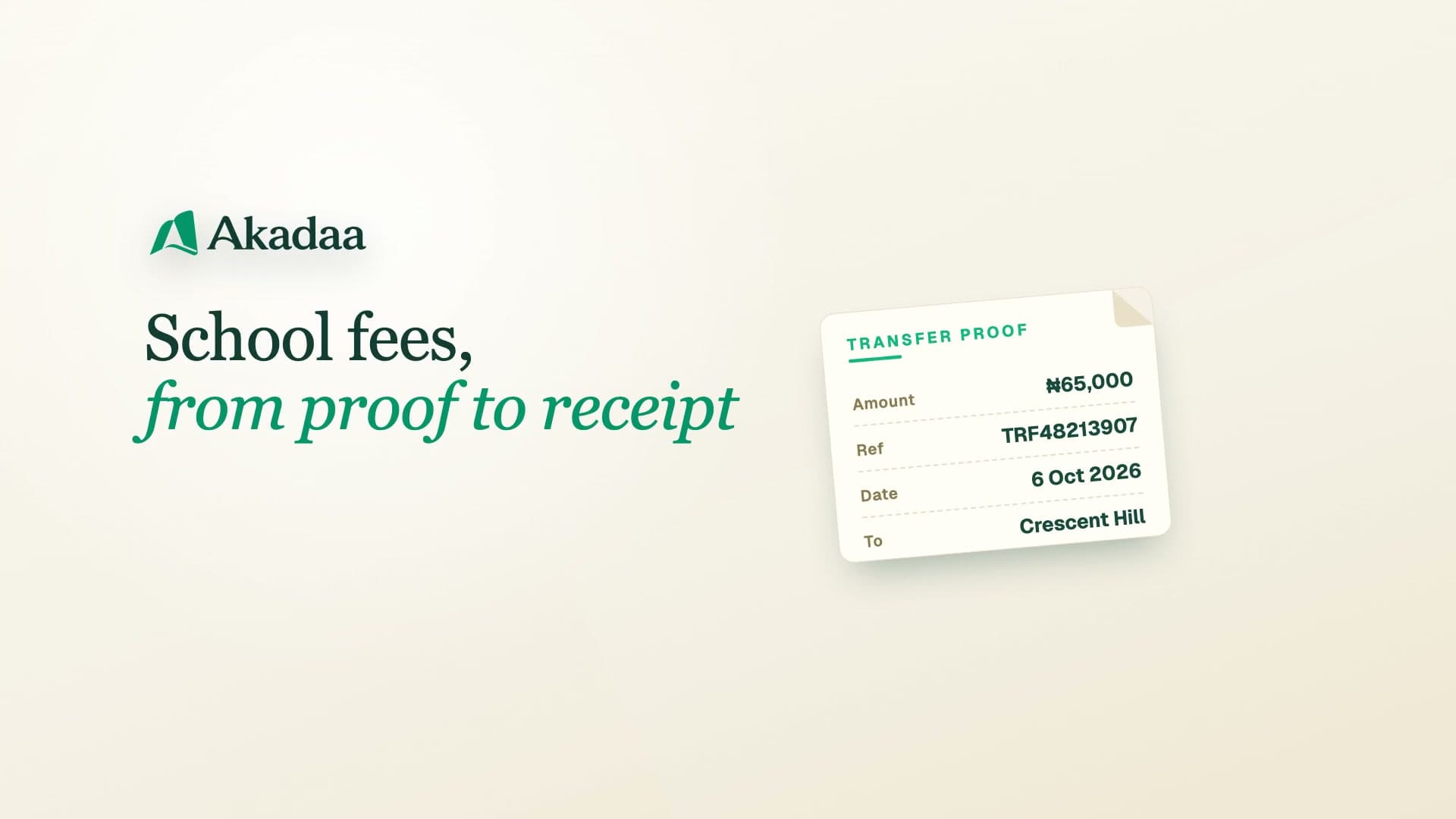
Parents link the school's Akadaa bot on Telegram with the phone number on file, then check fees, pay by transfer with proof, and see attendance and results.
Jump to a step
Captions and full-screen viewing are available in the player. Watch on YouTube
KEEP THIS BESIDE YOU
The steps, in writing.
The school checks the phone number it has on file for you, then you link it in the school's Akadaa bot on Telegram. In the chat you see each child's fees, send bank-transfer proof, and check attendance and released results.
Check the phone number on file
Ask the school to confirm that your parent record has the phone number you will use to link Telegram.
Link the school’s bot
Open the school’s Akadaa bot and follow the steps to link your account using that phone number.
Use the family commands
Choose a child to check fees, attendance and released results. After a bank transfer, send proof using the bot’s payment flow.