
A LITTLE GUIDANCE. ONE TASK AT A TIME.
See it.
Then do it.
A few minutes of guidance for your school day.
Find the task, follow the steps, and carry on.
 5:52
NEW TO AKADAA? START HERE
Make room for your school.
Sign up, meet your setup checklist, and get the basics ready.
Watch the first lessonFind your next step.
6 tutorials
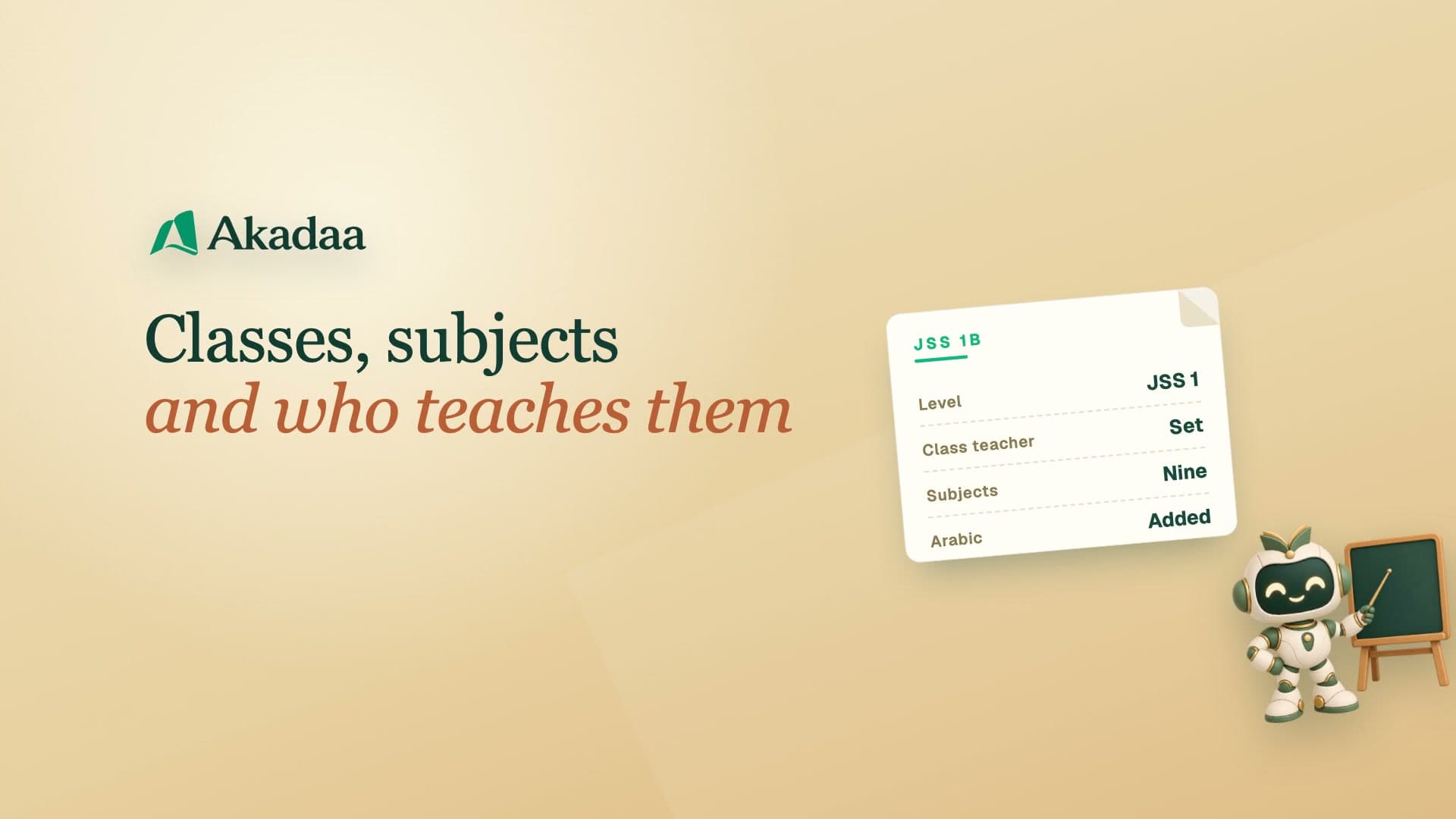 7:22
Running a primary or secondary school
Set Up Classes, Subjects and Subject Teachers in Akadaa
Set up a primary or secondary school's classes and arms, their subjects, and the teacher for each subject in Akadaa, so every teacher sees the right classes.
Watch tutorial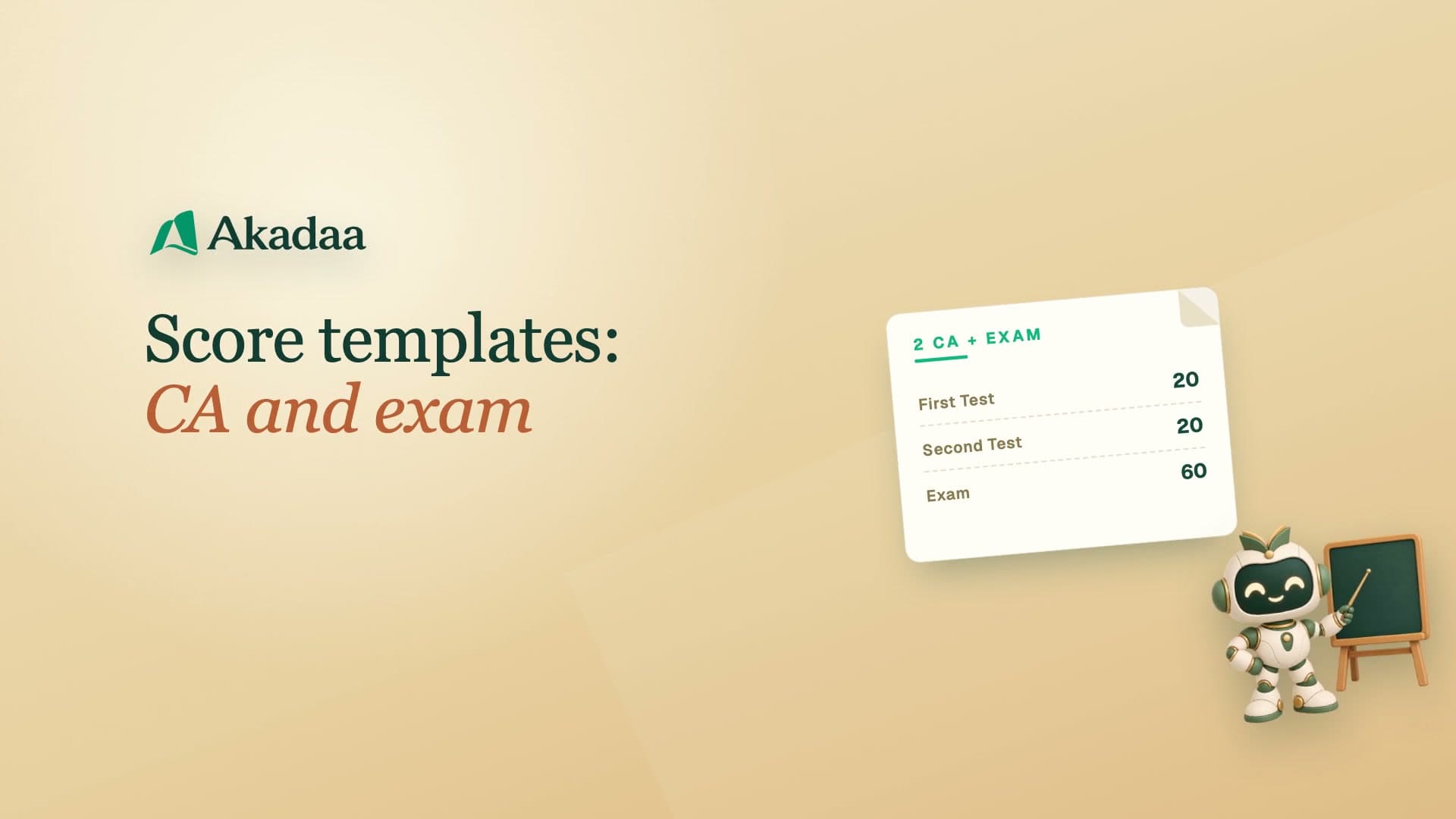 3:35
Running a primary or secondary school
Set Up Score Templates (CA and Exam) in Akadaa
Set how every subject's marks are split, two tests and an exam, as your school's default score template in Akadaa.
Watch tutorial 3:54
Running a primary or secondary school
How Teachers Enter CA and Exam Scores and Hand Them In (Akadaa)
On the teacher's phone: enter each student's CA and exam scores in Akadaa, save them, and hand the sheet in to the exams officer; fix and hand in again if it comes back.
Watch tutorial 4:32
Running a primary or secondary school
Approve, Publish and Release Term Results in Akadaa
Approve the scores teachers hand in, hold back one student's results, publish the class, and release the term so families can see their results in Akadaa.
Watch tutorial 4:48
Running a primary or secondary school
Print Report Cards with Position and Remarks in Akadaa
Generate a class's term report cards in Akadaa, with each student's class position, the class teacher's comment and the principal's remark, then print them all.
Watch tutorial 3:34
Running a primary or secondary school
Promote a Class and Graduate the Top Class in Akadaa
At the end of the session, graduate your top class, add the next session, and promote each class into the next one for the new session.
Watch tutorial