
A LITTLE GUIDANCE. ONE TASK AT A TIME.
See it.
Then do it.
A few minutes of guidance for your school day.
Find the task, follow the steps, and carry on.
 5:52
NEW TO AKADAA? START HERE
Make room for your school.
Sign up, meet your setup checklist, and get the basics ready.
Watch the first lessonFind your next step.
13 tutorials
5:52Getting started with Akadaa
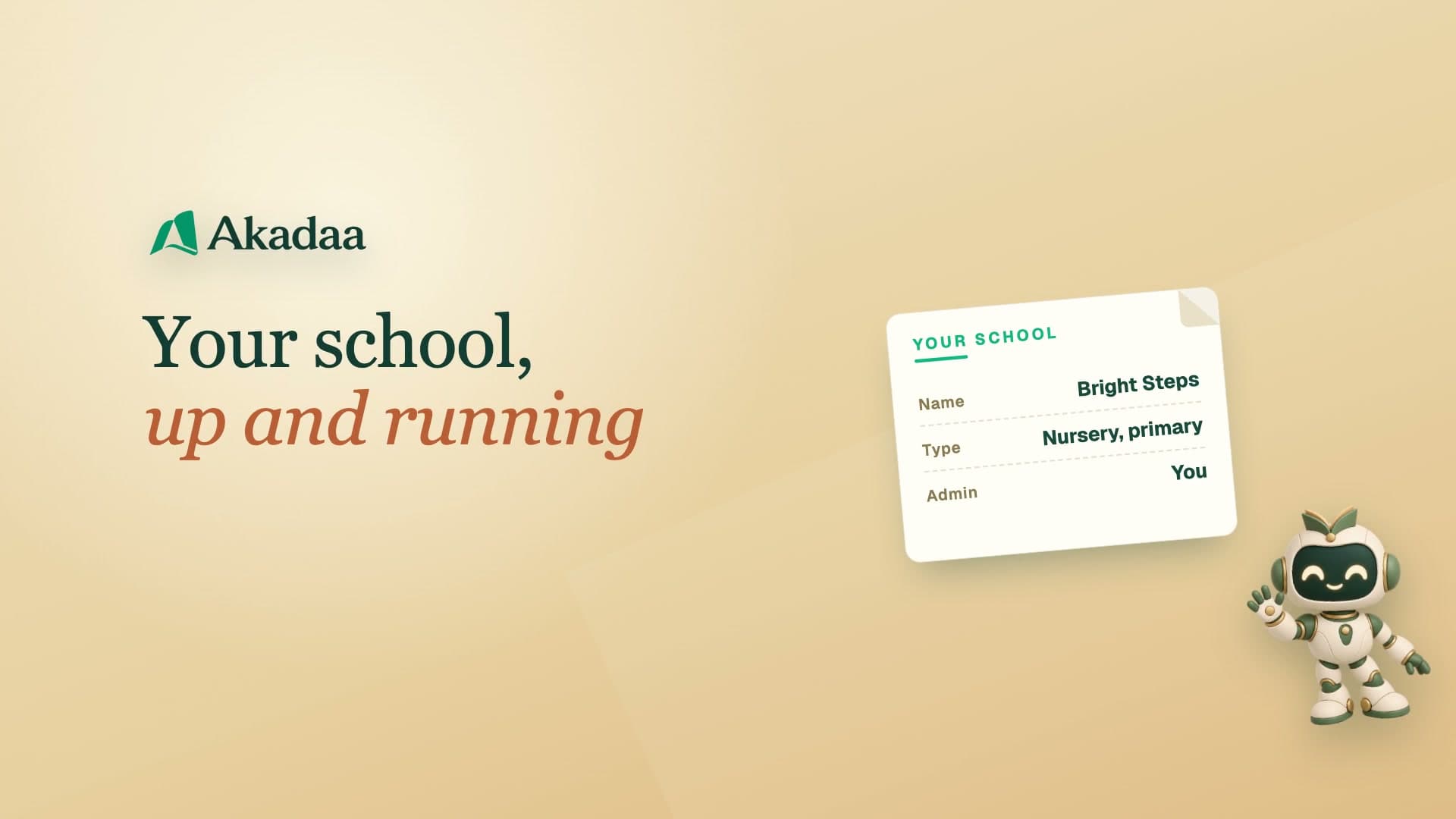
Sign Up Your School and Start Setup in Akadaa
Sign up your school on Akadaa, choose your school type, create your administrator login, and set up the basics in one go with the starter pack.
Watch tutorial 4:23
Getting started with Akadaa
Set Up the Academic Year and Semesters in Akadaa
Add a new session in Akadaa, give it its semesters (or terms), fix dates, and make it the current session, so fees, results and timetables follow it.
Watch tutorial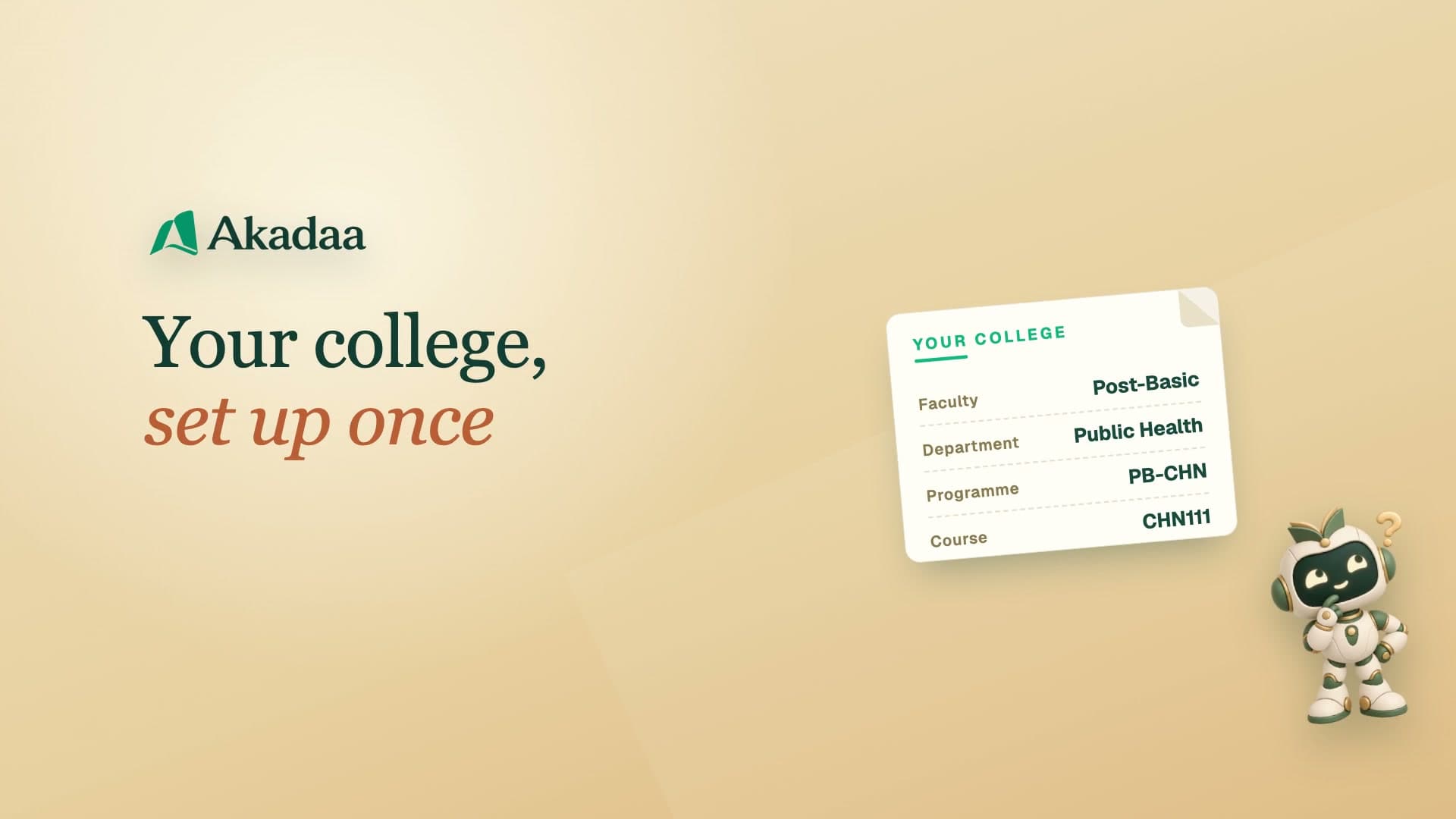 4:53
Getting started with Akadaa
Set Up Faculties, Programmes and Courses in Akadaa
Set up your college in Akadaa from the top down: a faculty, a department, a programme, its courses, and the lecturer for each course.
Watch tutorial 4:09
Getting started with Akadaa
Add Students or Import a Class List in Akadaa
Add one student, import a whole class from the list you already have, or enrol accepted applicants, each with an admission number and their own login.
Watch tutorial 5:48
Getting started with Akadaa
Edit, Withdraw and Bulk Update Student Records in Akadaa
Fix a student's details, withdraw a leaver with a reason, update many students at once from a spreadsheet, and add late arrivals from a pasted list.
Watch tutorial 3:49
Getting started with Akadaa
Link Parents to Their Children in Akadaa
Add a parent and link their children, link a child who joins later, and import a list of parents by admission number, fixing a row Akadaa couldn't match.
Watch tutorial 3:16
Getting started with Akadaa
Give Every Parent a Login in Akadaa
Give one parent a login on the spot, create logins for everyone at once (a link by email, or printed slips for phone-only parents), reset a lost slip, and see both kinds of sign-in on a phone.
Watch tutorial 3:35
Getting started with Akadaa
Add Staff and Give Them Roles in Akadaa
Add a staff member in Akadaa, tick the roles their job needs, and see their first sign-in on a phone.
Watch tutorial 4:28
Getting started with Akadaa
Staff Roles and Access in Depth in Akadaa
What a staff member's role, designation and ticks really do, a teacher who is also the bursar, where you're signed in, and what to do when someone leaves.
Watch tutorial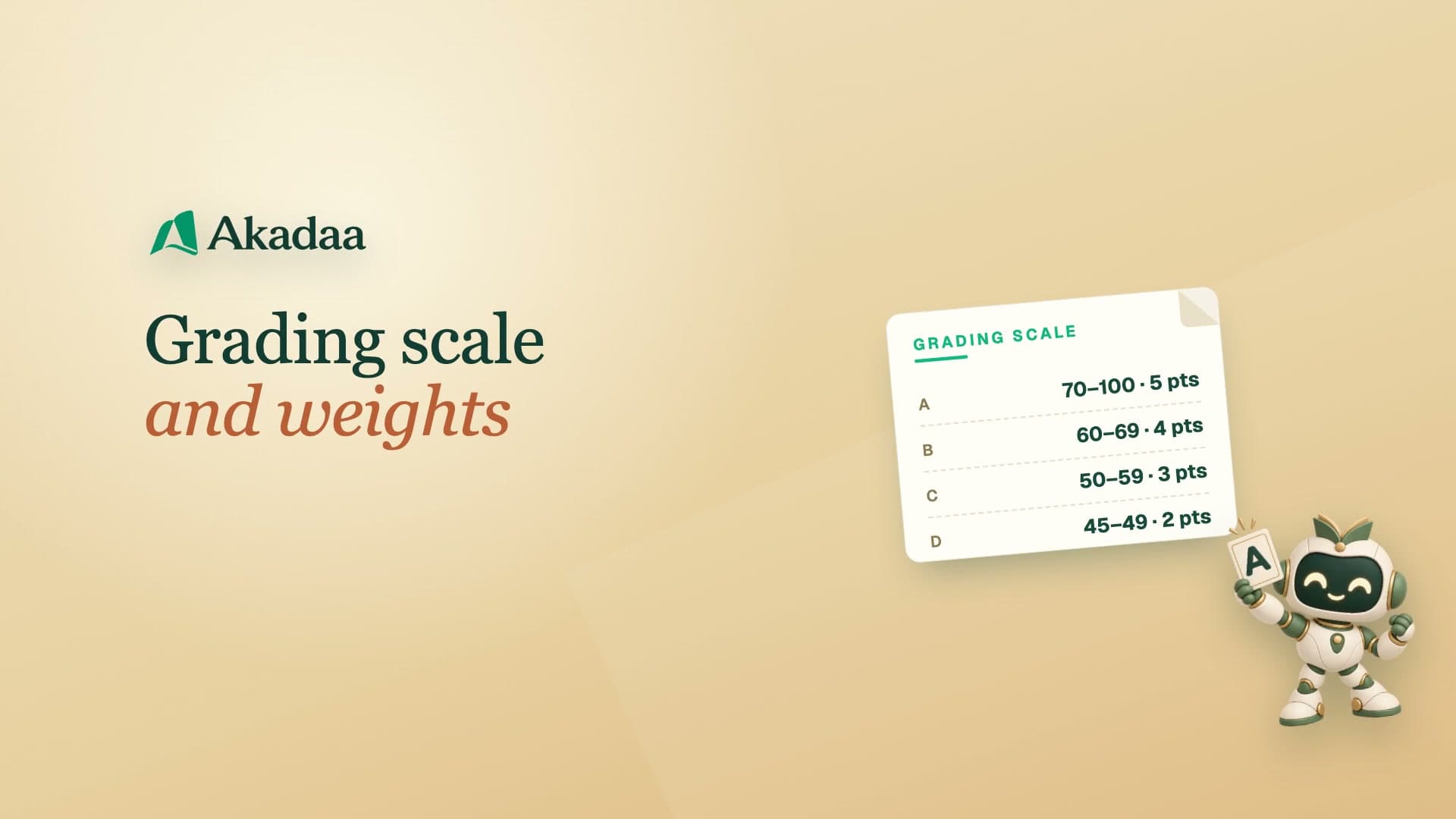 3:23
Getting started with Akadaa
Set Your Grading Scale and Weights in Akadaa
Check your grading scale and pass mark in Akadaa, then set how much each assessment counts, so every course adds up to a hundred.
Watch tutorial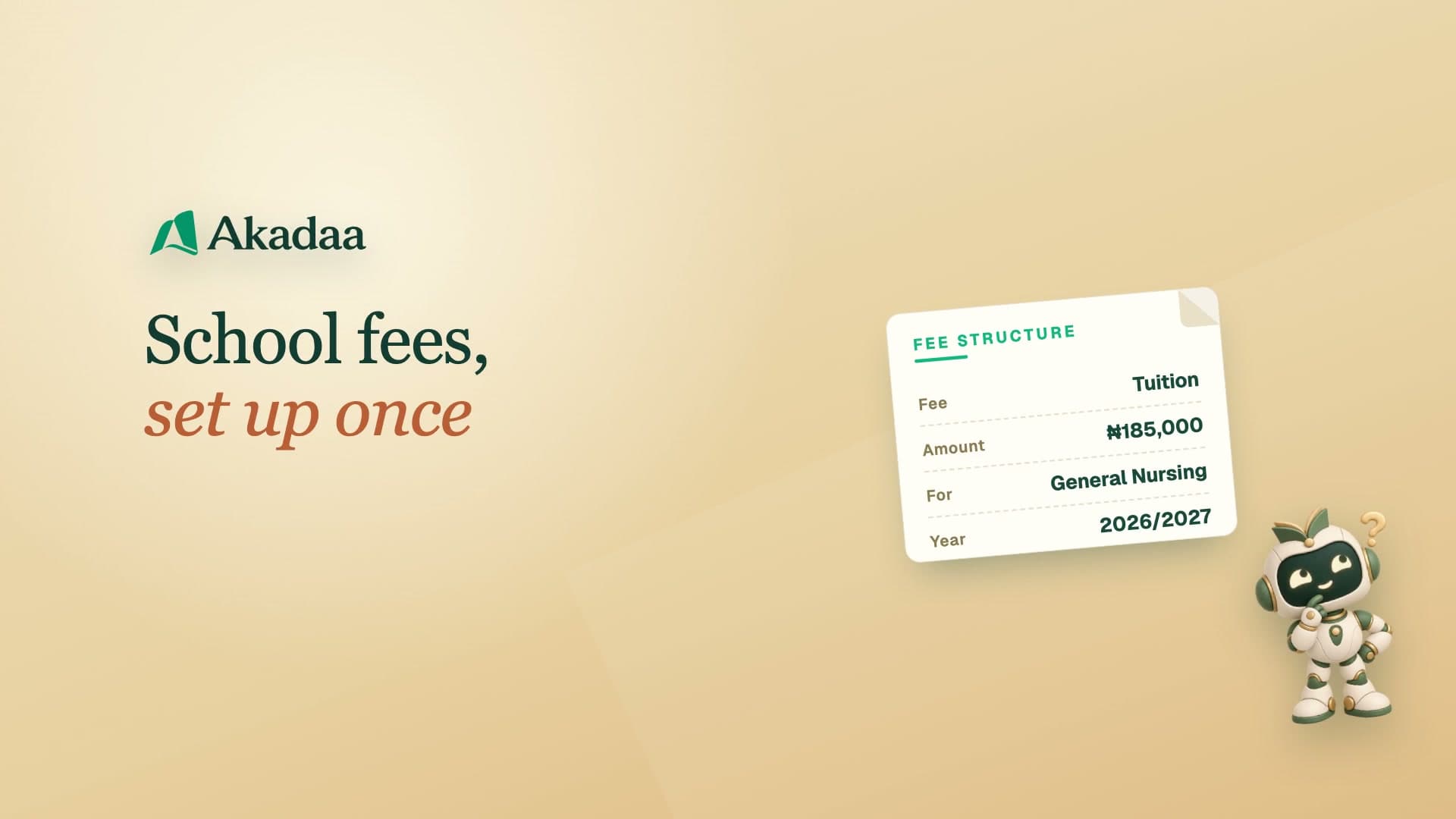 3:47
Getting started with Akadaa
Set Up School Fees and Assign Them in Akadaa
Create a fee in Akadaa, assign it to your students with a due date, check the school bank account parents pay into, and see the new fee on a parent's phone.
Watch tutorial 3:34
Getting started with Akadaa
Add Your School Logo, Colour and Modules in Akadaa
Upload your crest, set your school colour, check the details that print on receipts, share your school's QR code and web address, and switch on the modules you use.
Watch tutorial 7:22
Running a primary or secondary school
Set Up Classes, Subjects and Subject Teachers in Akadaa
Set up a primary or secondary school's classes and arms, their subjects, and the teacher for each subject in Akadaa, so every teacher sees the right classes.
Watch tutorial